|
1
|
|
|
2
|
- Modeling
- Shapes and their (hierarchical) composition
- Materials (degrees of diffuse and specular reflection)
- Behavior: time-varying
attributes for each frame or key frame
- Lighting
- Directional lights, spot lights, area lights, etc…
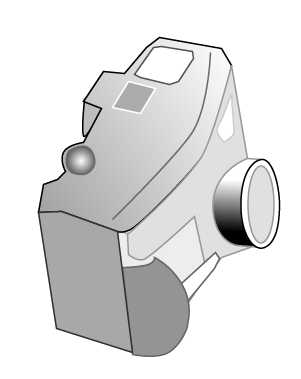
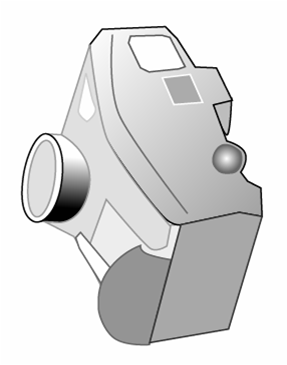
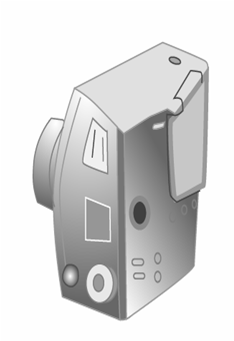
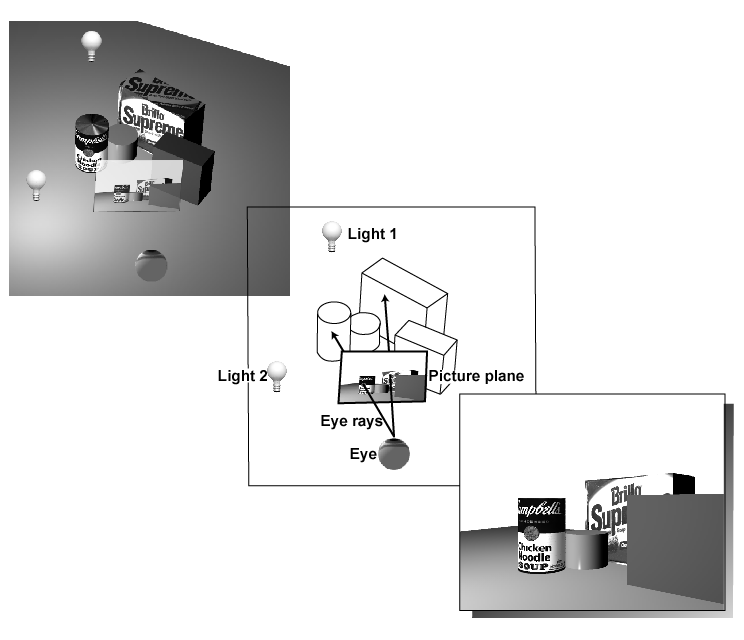
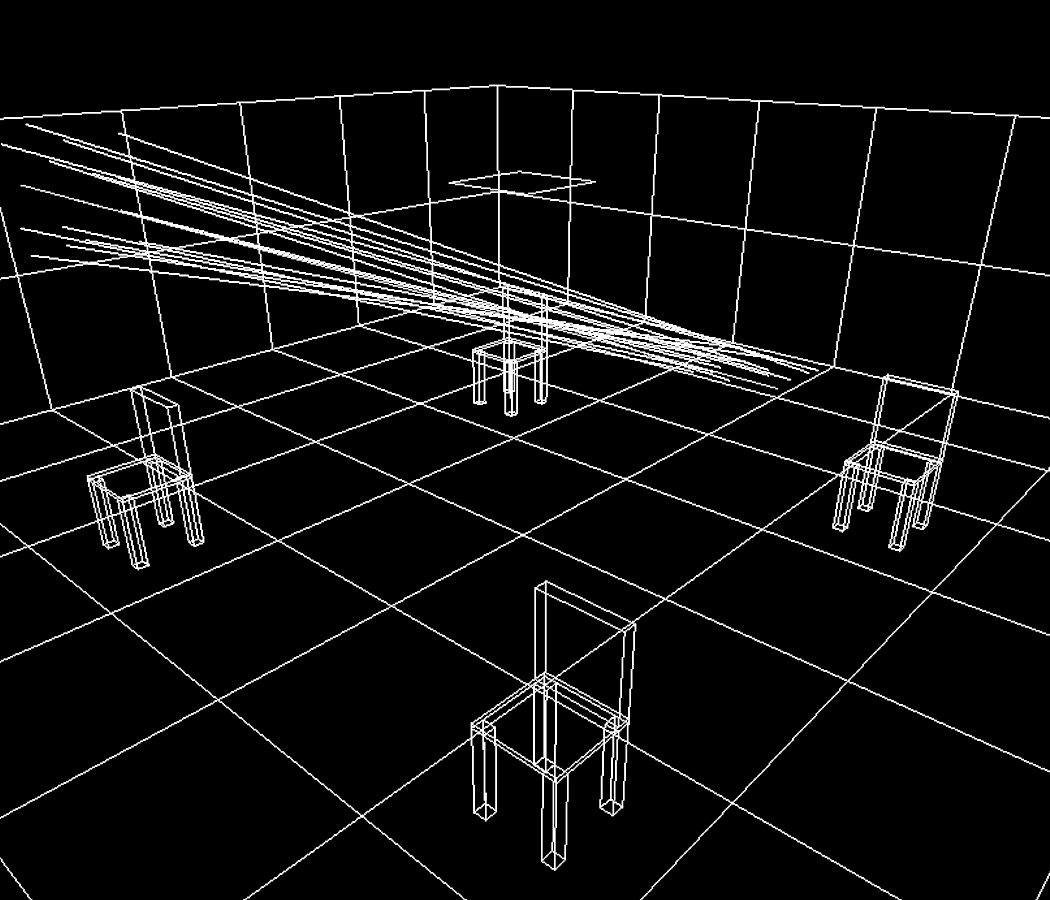
- Specifying the “camera” to define the view volume
- Position
- Direction (a vector in 3-space)
- Orientation about “barrel” of “lens”
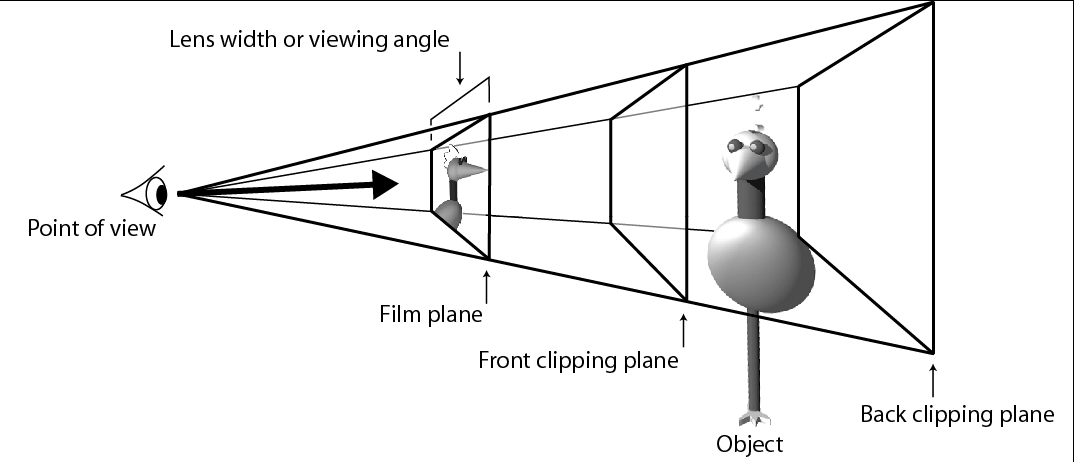
- Field of view (wide-angle to telephoto) via clipping planes
- Choose perspective or parallel projection
- =========================================
- Rendering: map from 3D scene to
2D image
|
|
3
|
|
|
4
|
|
|
5
|
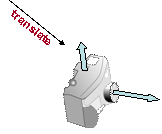
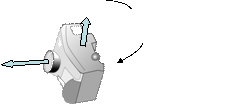
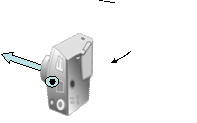
- Position
- Direction
- Orientation
- Field of View
- Projection type: perspective or parallel
|
|
6
|
|
|
7
|
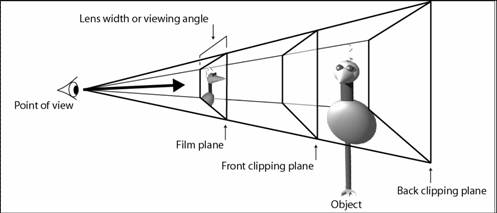
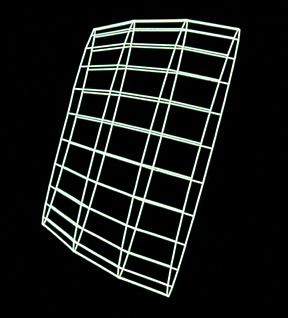
- Eye and camera have a semi-infinite circular cone of vision, aka view
volume: must clip what isn’t
“inside”
- Too “expensive” (mathematically) to clip against such a cone
- Therefore we approximate with rectangular cone/pyramid
- Further limit to finite pyramid with front and back “clipping planes”
|
|
8
|
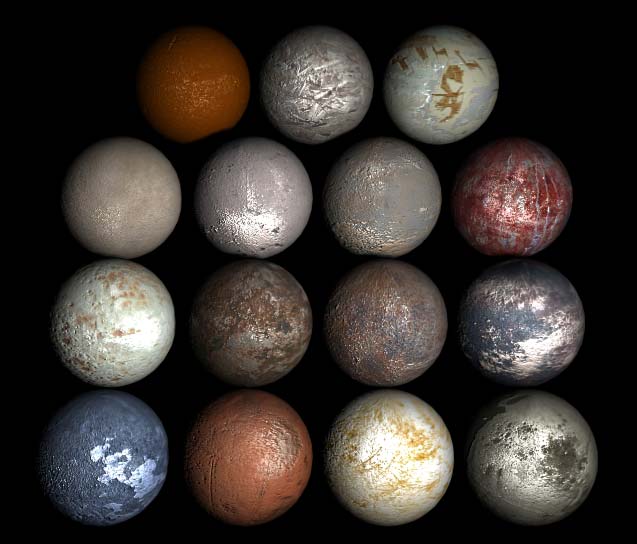
- Combination of
- Color
- Reflective/refractive properties of “material”
- Maps: texture, bump, environment,…
- Procedural textures and other kinds of maps
|
|
9
|
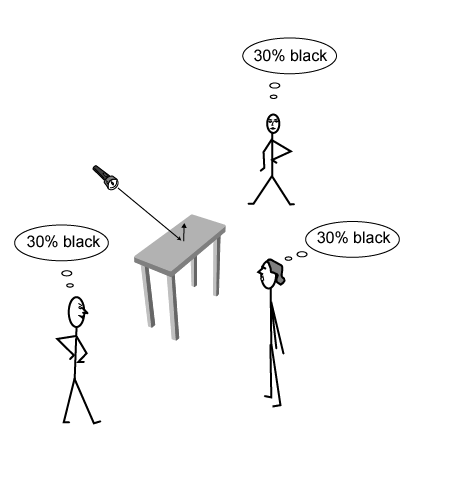
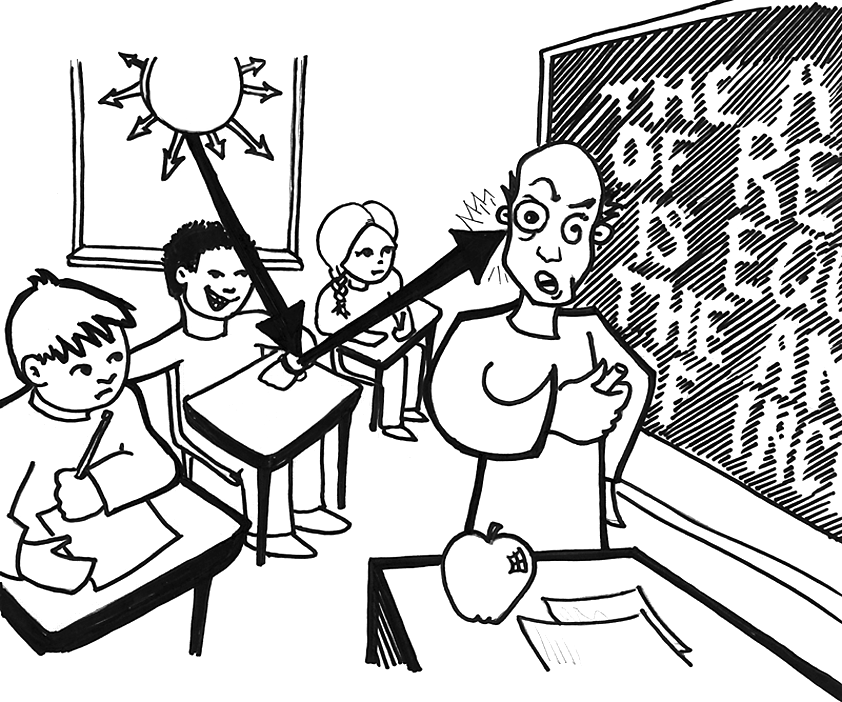
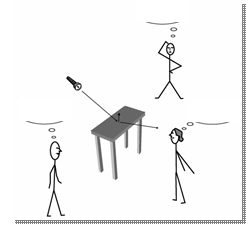
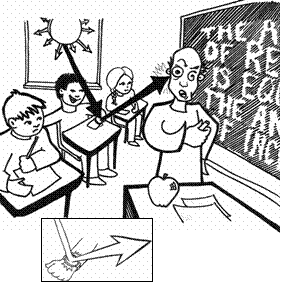
- Light reflected depends on
- Incoming light from light sources or other objects (light source type,
color, potential occlusion…)
- Orientation of surface to that light
- Orientation of surface to the viewer, including potential occlusion by
other surfaces
- Material properties (color, roughness, reflectivity…)
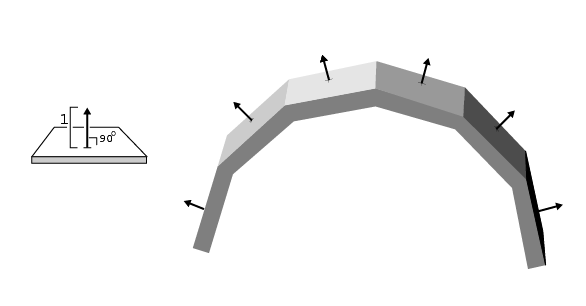
- Surface normals
- Defined for tiny planar
or curved “patches”
- Defines orientation
of surface
|
|
10
|
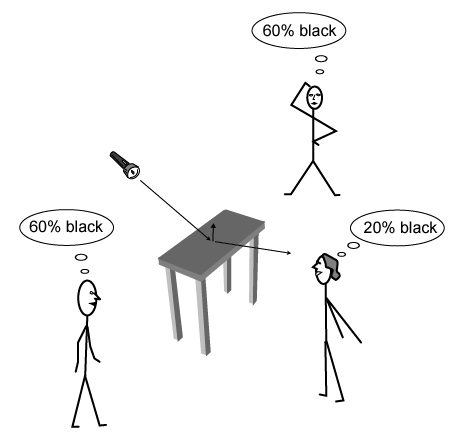
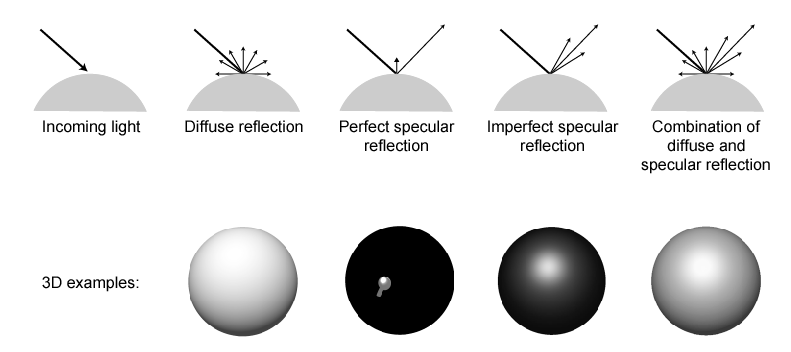
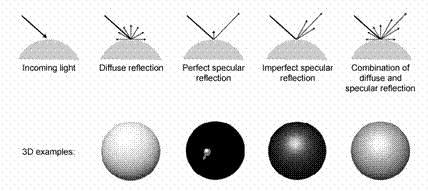
- Diffuse is view-angle independent, only angle of surface to light
matters (cosine law)
- Specular is view-angle dependent
|
|
11
|
|
|
12
|
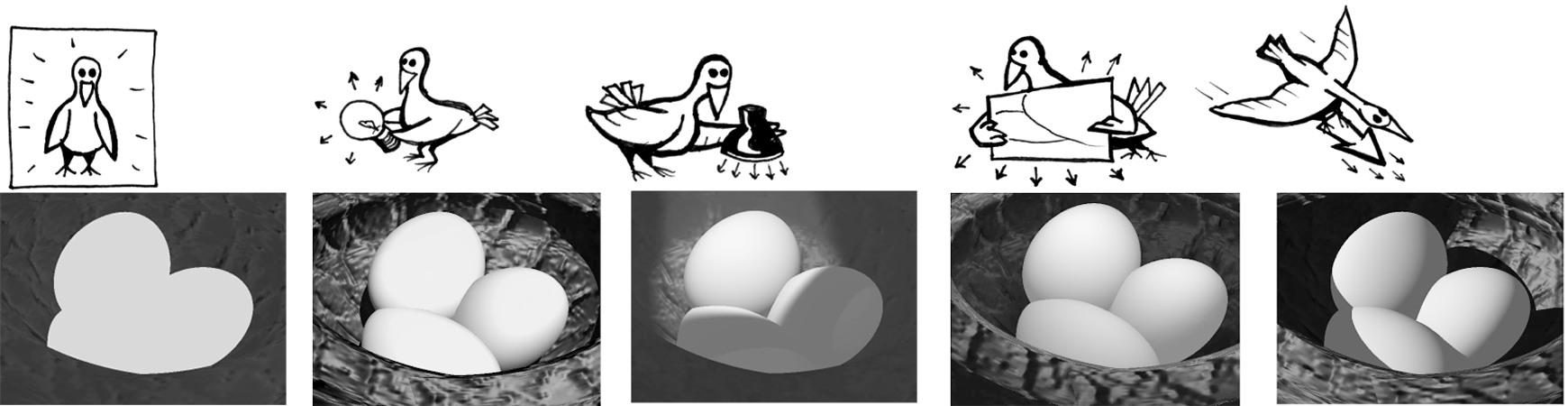
- Below show varying combinations of specular and diffuse for single light
source at upper left of viewer
- In practice all materials combine
- diffuse and specular reflection
- and absorption
|
|
13
|
- Feedback forms
- Depth vs. breadth
- syllabus now shifts to more depth and applications areas
- Variety of backgrounds
- Yes—hard to have material interesting to everyone all the time…
- More discussion, less lecture
- YES
- Thanks for ideas:
- Sections
- More take-homes
- Other specific comments
- Continuing to look through—also, email etc. welcome!
- Experimental, experimental, experimental…
- Jaron! MacMillan 115—see MOTD.
- READ HIS “Half-Manifesto” at http://www.wired.com/wired/archive/8.12/lanier_pr.html
Link is also on MOTD
|
|
14
|
- Works?
- If so why?
- If not, how can we fix?
- Proximity
- Alignment
- Repetition
- Contrast
- Type expressiveness, appropriateness
- Graphic elements
|
|
15
|
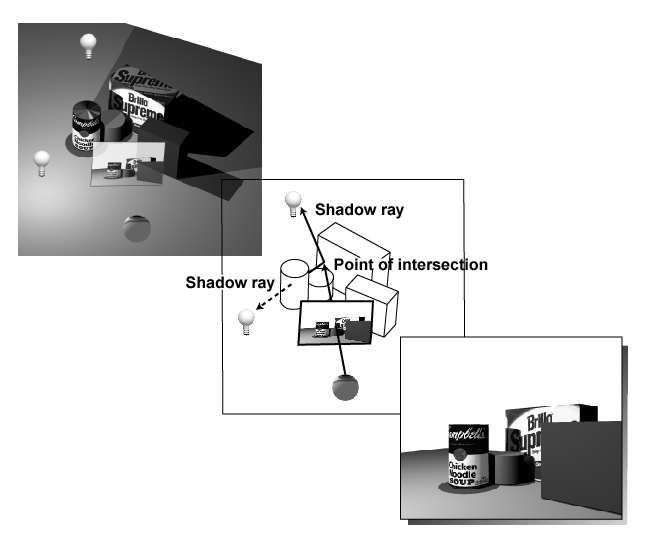
- Hidden surface removal means polygons you can’t see are not rendered
(both those blocked and those that are back-facing – eliminates >50%)
- Non-global means that we look at each polygon in isolation, no shadows
or interobject reflection. Crude
but fast model, standard in graphics cards
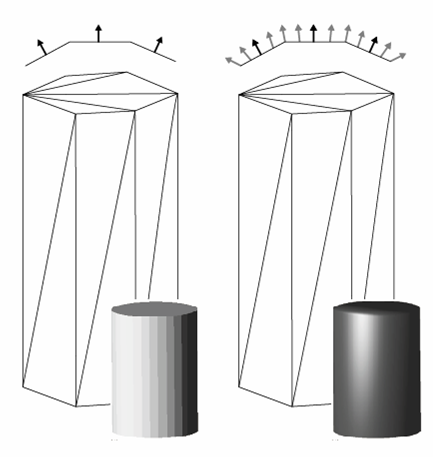
- Flat shading: light calculated once for each polygon, as a function of
the angle between its surface normal and the light source (the “faceted
look”)
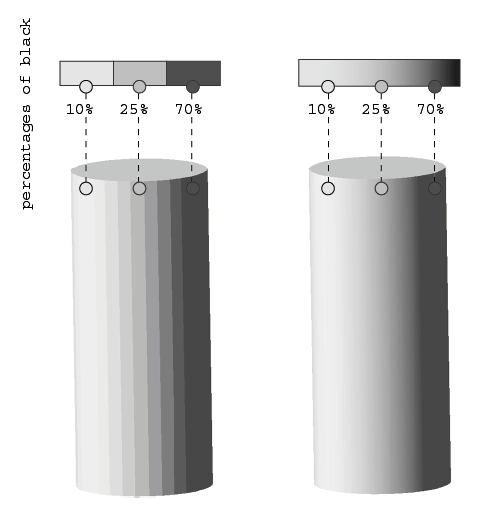
- Gouraud shading (after Henri Gouraud): average intensity across
neighboring polygons to create smooth gradients between them.
- Phong shading adds specular part by averaging normals, not intensities
|
|
16
|
|
|
17
|
|
|
18
|
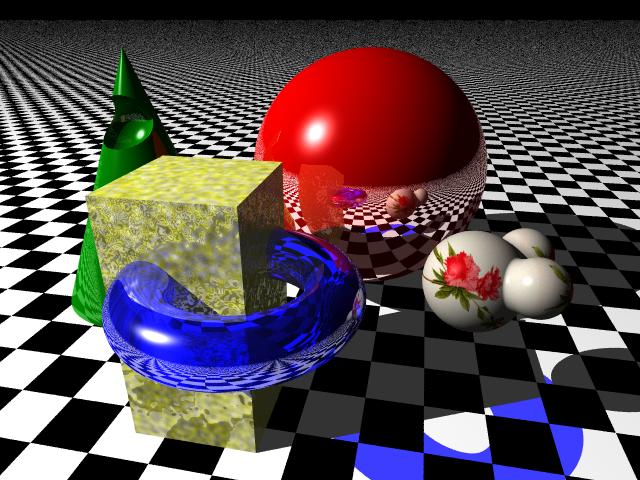
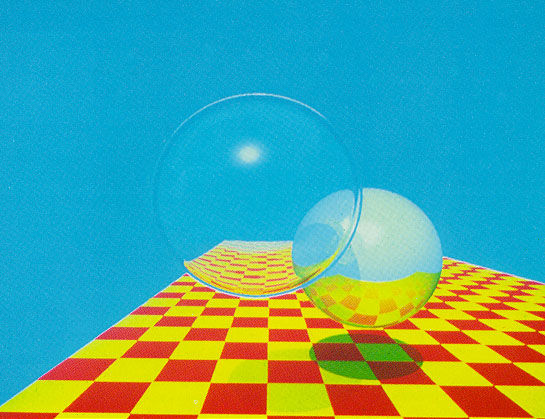
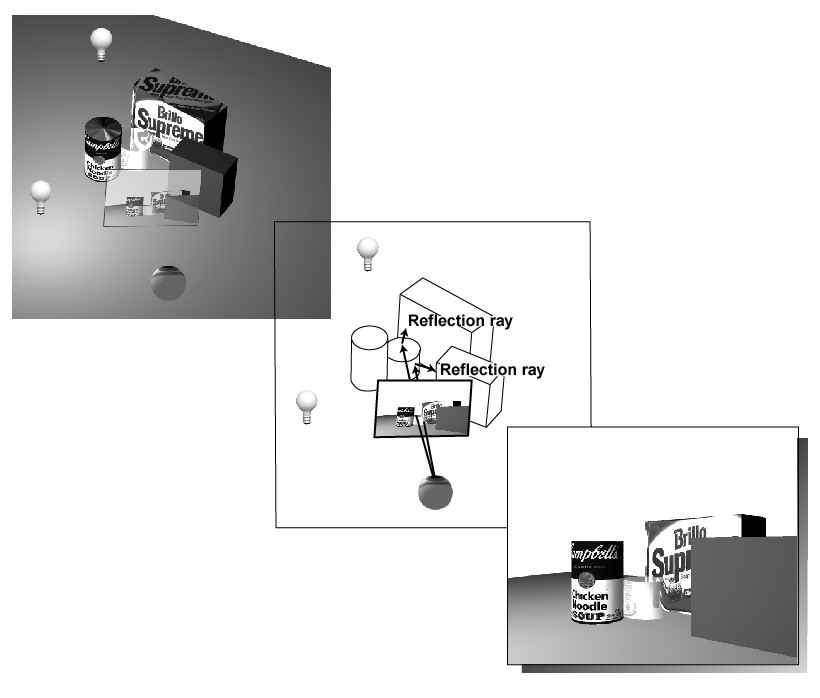
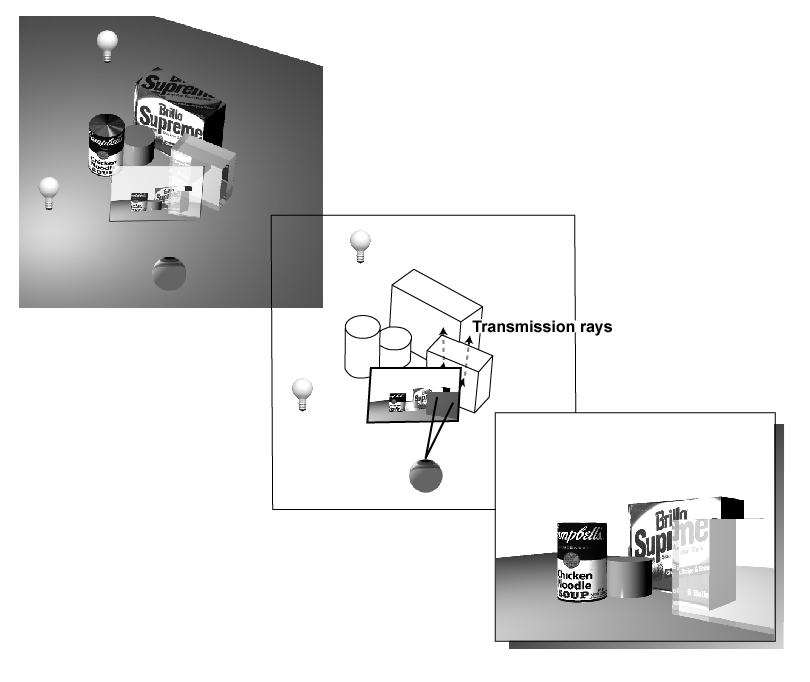
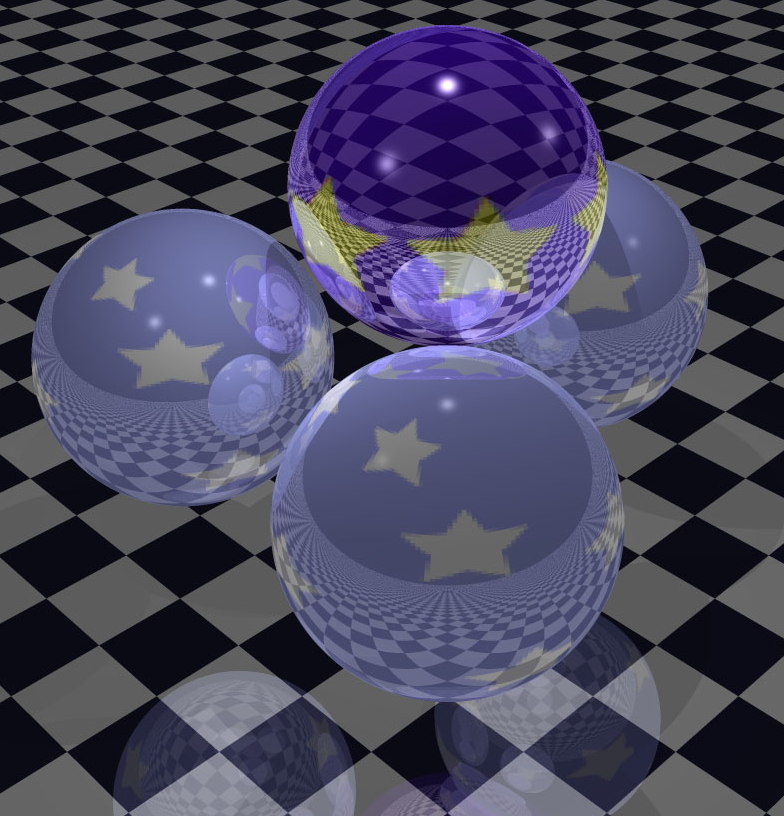
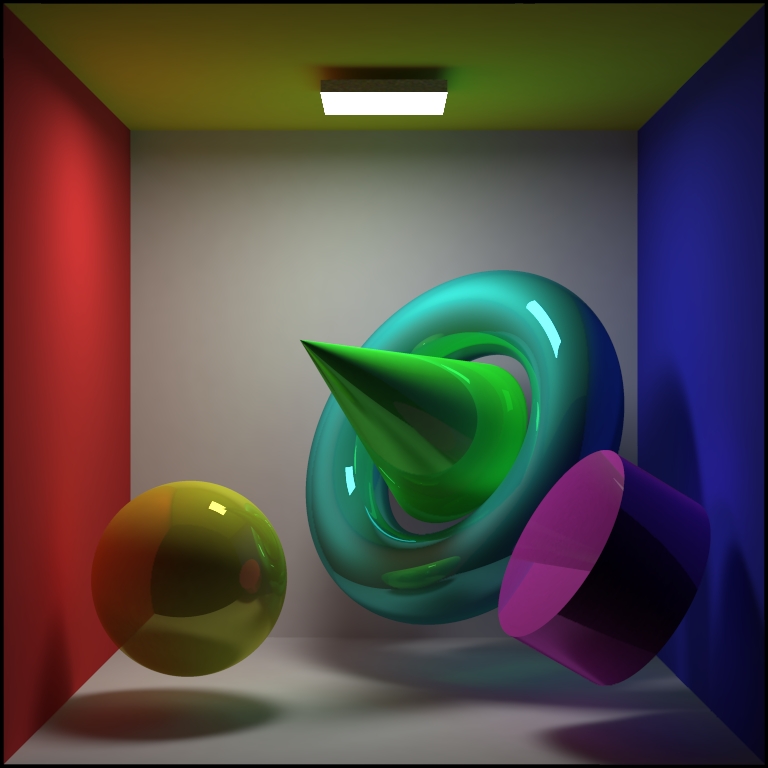
- Ray tracing (early 1980s)
- Specular interobject reflection, refraction
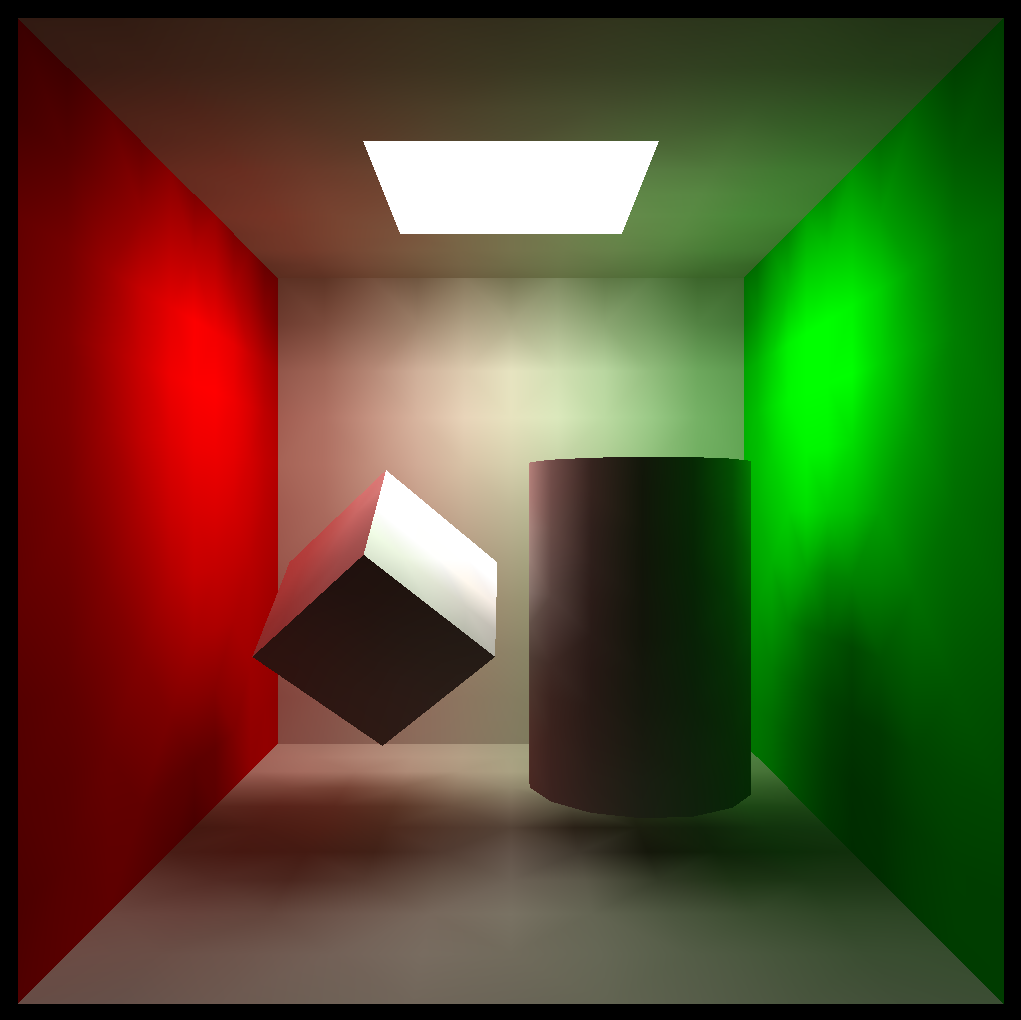
- Radiosity (late 1980s)
- Diffuse interobject reflection
|
|
19
|
|
|
20
|
|
|
21
|
|
|
22
|
|
|
23
|
- Reflection, transparency, other light-bouncing effects
|
|
24
|
|
|
25
|
|
|
26
|
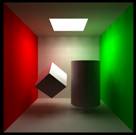
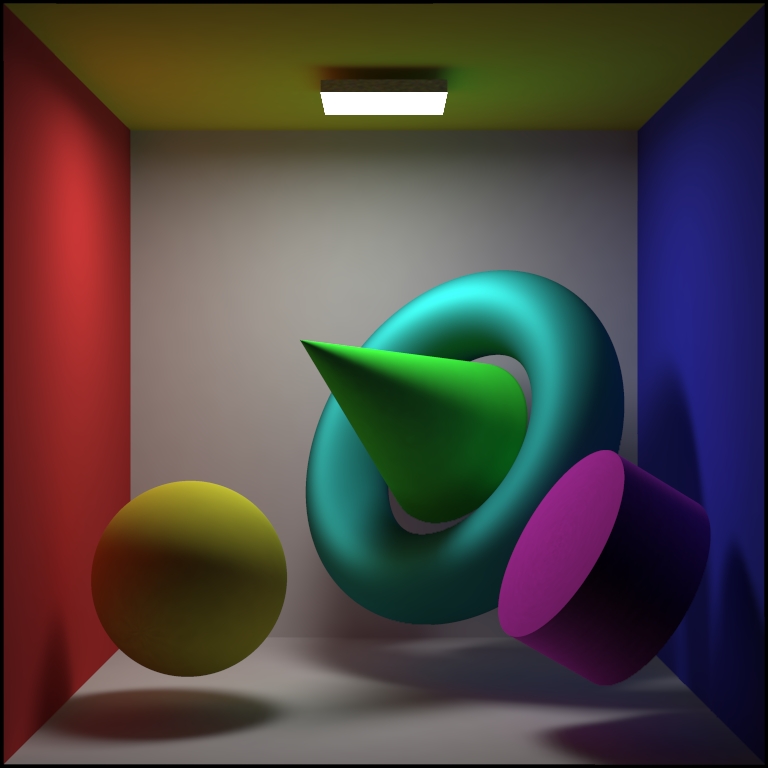
- Iteratively calculate patch-to-patch reflection of light based on their
relative geometry and material properties
- Start with light sources
- You get: diffuse reflections, color bleeding, soft shadows
|
|
27
|
|
|
28
|
|
|
29
|
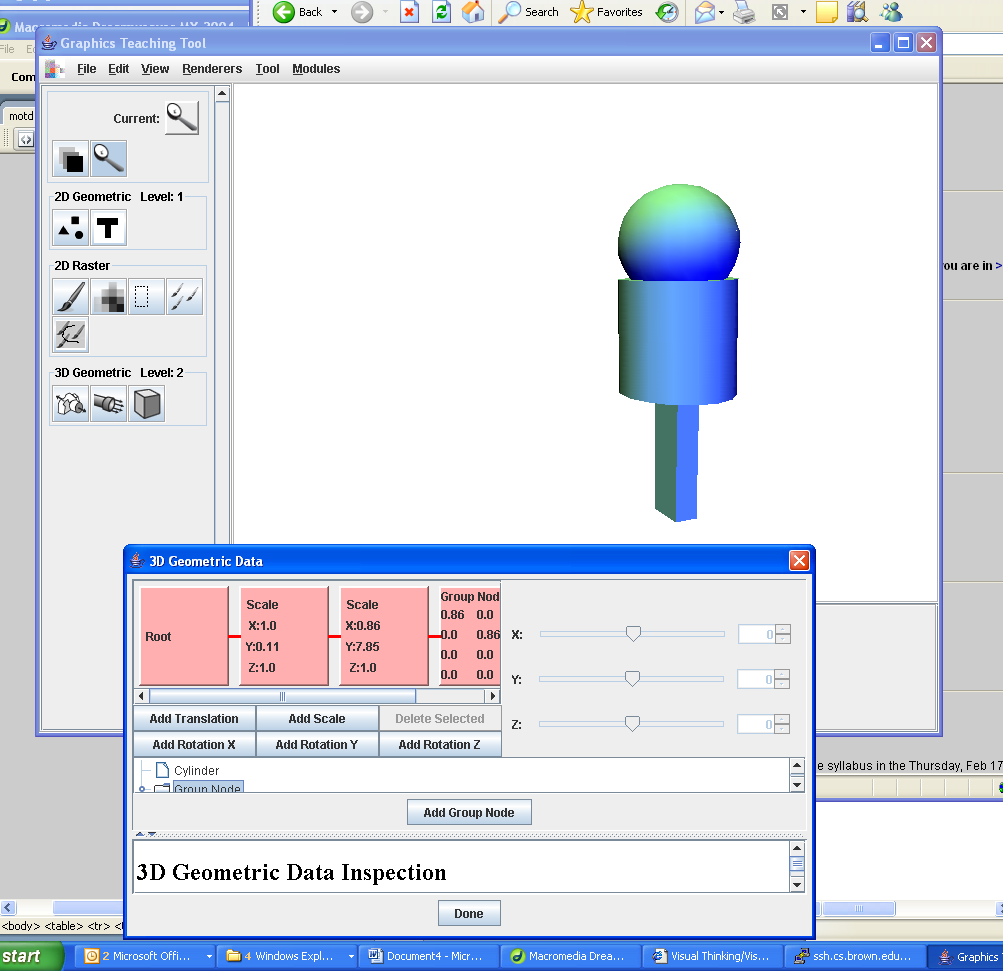
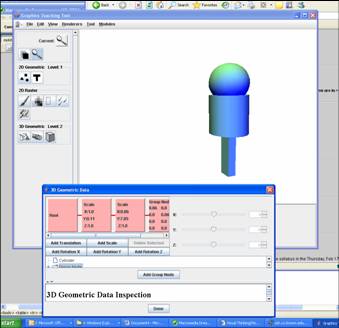
- Make a simple robot with a head (sphere), body (cylinder), and at least
one leg (cube)
- Scale, rotate and translate each primitive to make the robot.
- Use at least two lights
- Group all parts into a Group Node and experiment with scaling, rotating
the robot as a whole.
- DOWNLOAD new GTT (v4.3)
- http://graphics.cs.brown.edu/
research/gtt/
|

 Notes
Notes