|
1
|
|
|
2
|
- Colors can be chosen from geometric “color spaces” (more on these later)
- Compared numerically
- Applied, reapplied, and erased without repercussions
- Altered in powerful and subtle ways.
- More dynamic and flexibility than in any traditional medium
- Some technical information increases productivity…
|
|
3
|
- Color important aspect of day-to-life
- Big business
- Color Marketing Group http://www.colormarketing.org/
- Paint
- Design (architectural, graphic, industrial, map, product, etc.)
- Visualization (medical, scientific, etc.)
- Color therapy (believe it or not) http://www.colourenergy.com/alchemy_line.html
- Diploma! http://www.colourschool.com/index.html
- Etc.
|
|
4
|
- As a User
- Awareness of influence of color (and good and bad use by others)
- As a Designer
- Graphic design (make a Web page that works)
- UI (create UIs that are effective, fun to use)
- As a Programmer
- Make better tools for others (e.g., color pickers, graphics software)
- Translate between different “color spaces” (e.g., RGB to HSV)
- Control interpolation between colors (gradients)
- Understand and perform color matching, etc. (e.g., in printing)
|
|
5
|
- What is Color?
- Mixing Colors
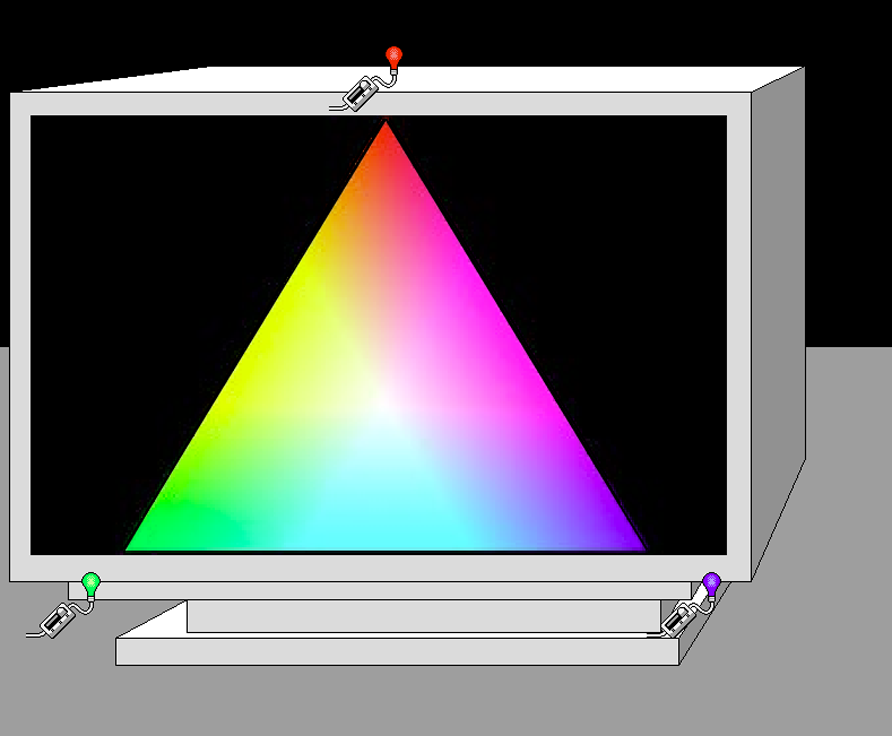
- Color from light
- Subtractive vs. Additive Color
- Primary Colors
- Mixing Colors
- Matching Colors
- Gamma Correction
- Color Consistency
- Color Matching Systems
- Specifying Colors
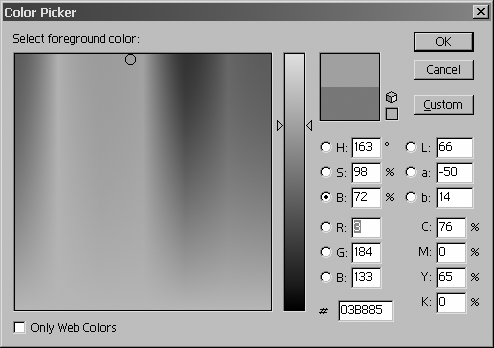
- Color Spaces
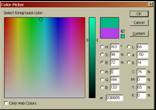
- Color pickers
- Color Usage Strategies
|
|
6
|
|
|
7
|
- Color doesn’t actually exist
- Eye-Brain Interpret certain level of electromagnetic energy as “color”
- Eye not a camera
- perception of color complex
- “color rules” often useless
|
|
8
|
- Nobel prize for “photo-electric effect”
- Mechanism behind automatic door openers, digital cameras, etc.
- Key idea: conversion of energy from one form to another
- Light (photons) à
electrical current (electrons)
- We have similar detectors/receptors in our eyes
|
|
9
|
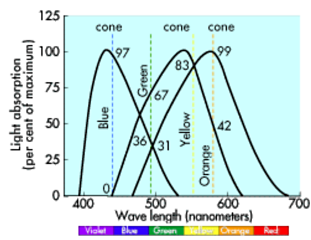
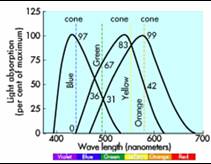
- Rods for grayscale vision (work in regular and low-light conditions)
- Cones for color vision (require more light)
- Since 1801, Young-Helmholtz tristimulus theory, three receptors
- Receptors maximally sensitive (roughly) to RGB frequencies
- Photons à electro-chemical
currents à color
sensation
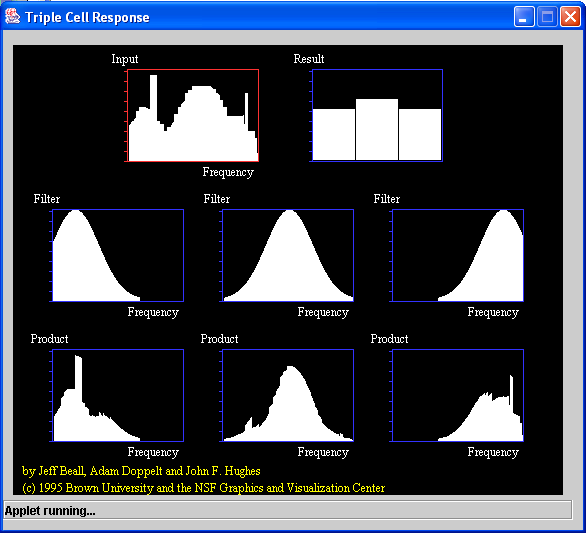
- Think of receptors as filters
|
|
10
|
- All frequencies modulated by Red-, Green-, and Blue-sensitive cones.
- Not co-incidence that RGB are additive color primaries…
|
|
11
|
|
|
12
|
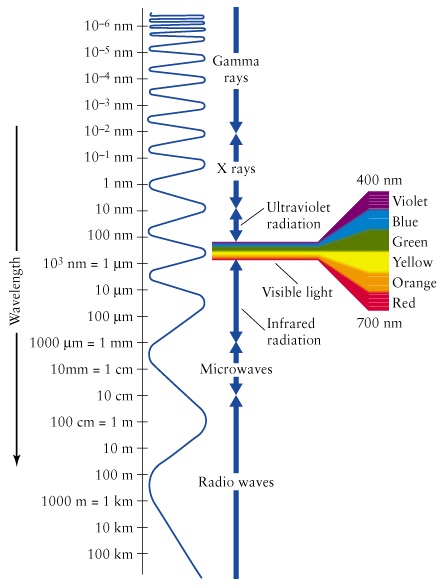
- Each wavelength or frequency is one “color” of the spectrum. New colors
can be created by having several frequencies visible at a time.
- The more different frequencies present, the closer the color will be to
white (all frequencies of rainbow together = white…)
|
|
13
|
|
|
14
|
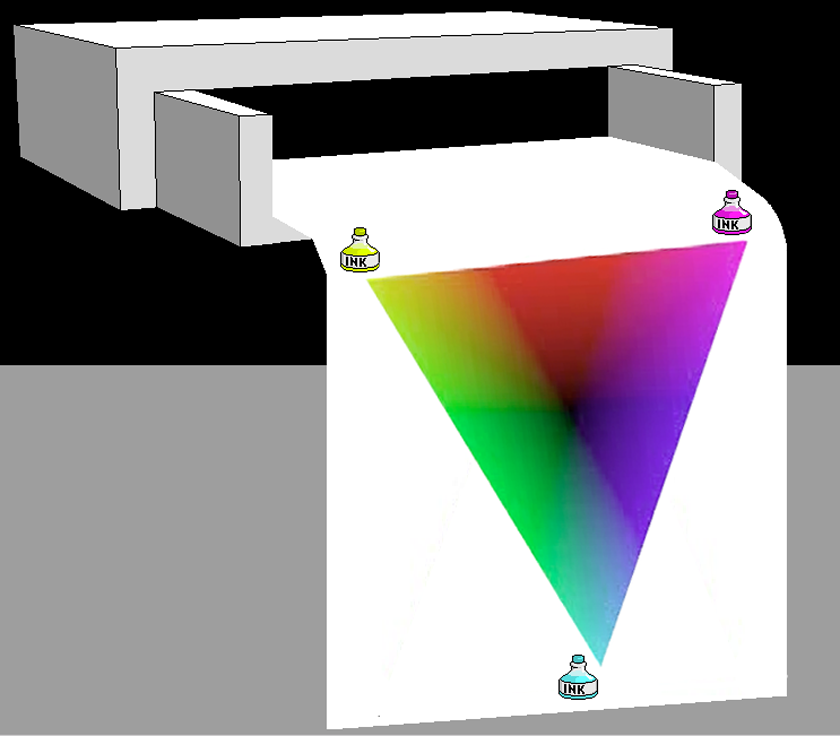
- Different pigments absorb different wavelengths of light
- Wavelengths reflected off an object are its “color”
- More colors more frequencies -- less light
- Primaries: Blue, Red, and Yellow (actually Cyan, Magenta, Yellow, for
best results…)
- CYMK: for printing a black (K) also used
- Better quality black than mixing CYM
- Cheaper
|
|
15
|
|
|
16
|
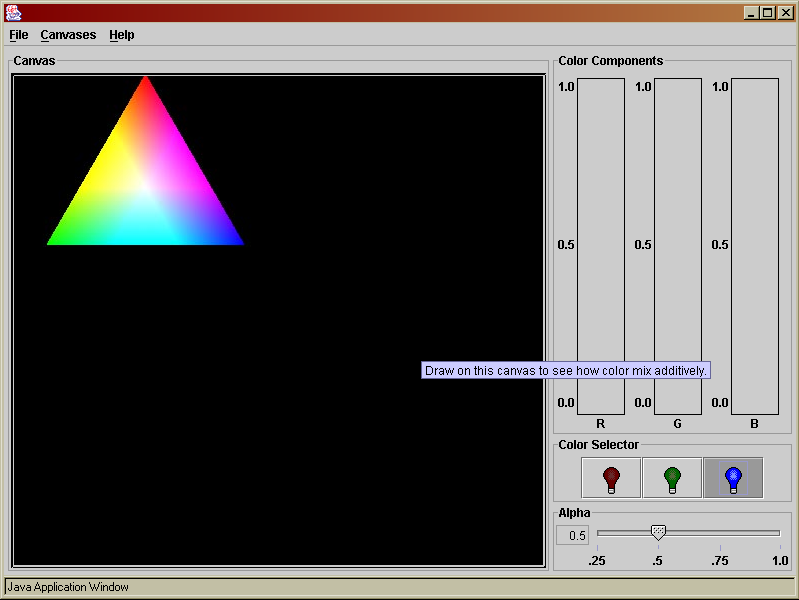
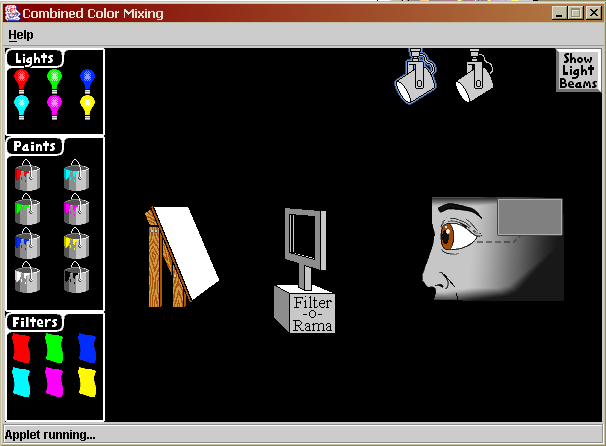
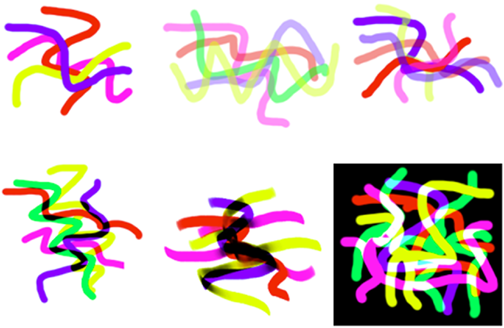
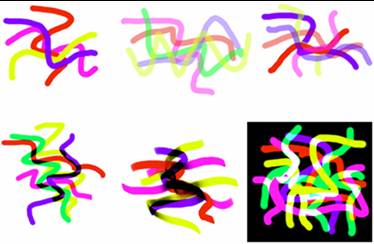
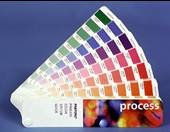
- Paint programs (e.g., Photoshop) “mixing” only partially resembles
real-world additive or subtractive color mixing.
- True additive mode reaches white too quickly.
- In physical world, adding red light to white light, creates pink light.
On the computer, once white reached, more color cannot be added.
- True subtractive mode quickly lead to black areas.
- Opacity settings chief mixing technique.
- Take time to experiment…
|
|
17
|
|
|
18
|
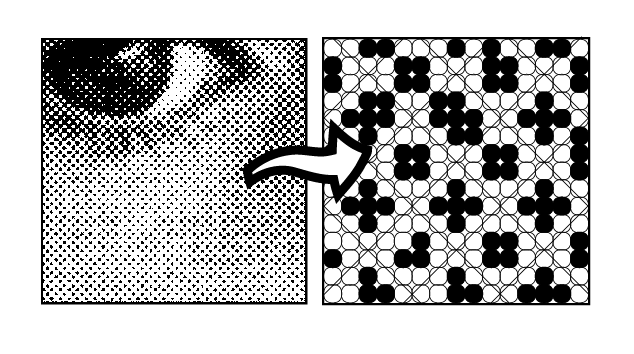
- Tones
- Traditional printing simulates gray levels or tones with varying sizes
of dots or “halftones”
- Computers printers use clusters of dots to simulate these halftones
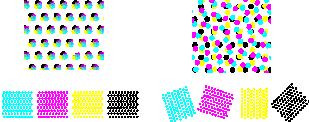
- Mixing
- In color printing, overlapping CMYK halftone patterns are used to give
the effect of many colors
- The eye mixes the
colors from a distance…
|
|
19
|
- New-Age color healers say that wearing red pajamas will help you
recover faster from a cold. What is inherently wrong with this “theory”?
|
|
20
|
|
|
21
|
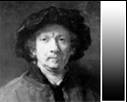
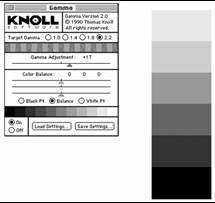
- Why does an image that looks fine on my Mac look lousy on my friend’s
PC?
- Many possible reasons, include monitor settings, software, and room
lighting, but
- Different gamma correction approaches on different platforms a likely
culprit
- CRTs do not reproduce image values linearly. They are skewed in
predictable way (described by an equation using the Greek letter gamma)
- Gamma correction corrects for this, but is handled differently on
different platforms
|
|
22
|
|
|
23
|
- Test on all relevant platforms
- especially important for CD and Web work
- Use a file format that stores gamma correcting information separately
from the other image data
|
|
24
|
- Affected by monitor settings, room lighting, software, platform, full
moon…
- Unavoidable changes can occur during scanning, image manipulation, and
printing
- Goal: see image, scan it, view matching image on monitor, print, and
have printout look like original.
|
|
25
|
- Use color matching software, such as ColorSynch, which contains
precomputed gamma profiles (e.g., ICC profiles) for common monitors,
printers, and scanners.
- Tweak monitor and printer to get good enough results.
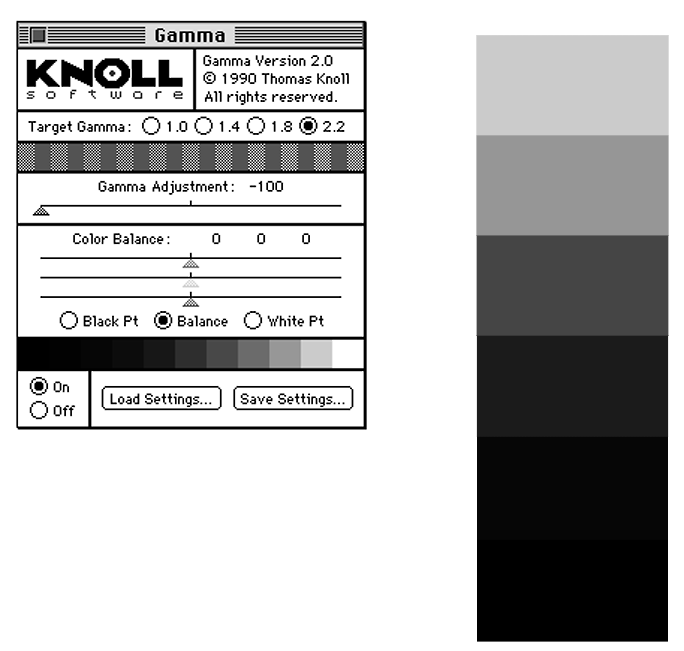
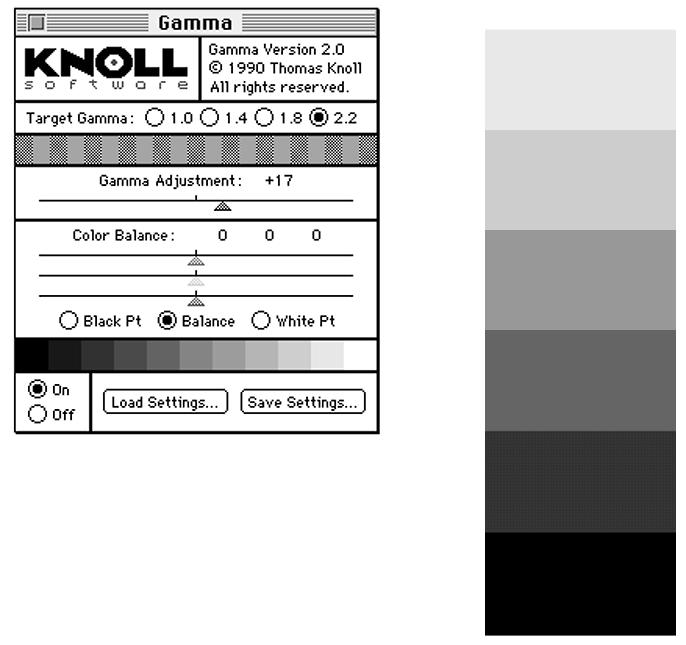
- Tweak monitor using gamma correction software
- doesn’t change fundamental monitor hardware gamma, just adjusts
balance afterward
- Adjust white point to match paper being used
- Adjust settings on printer
- Be sure image is in CMYK format. Many RGB colors cannot be printed
accurately.
- Scan, view, print, tweak, repeat…
- Control lighting in room
|
|
26
|
|
|
27
|
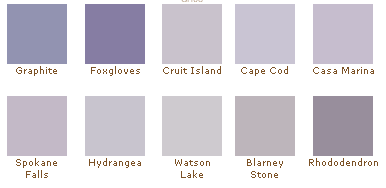
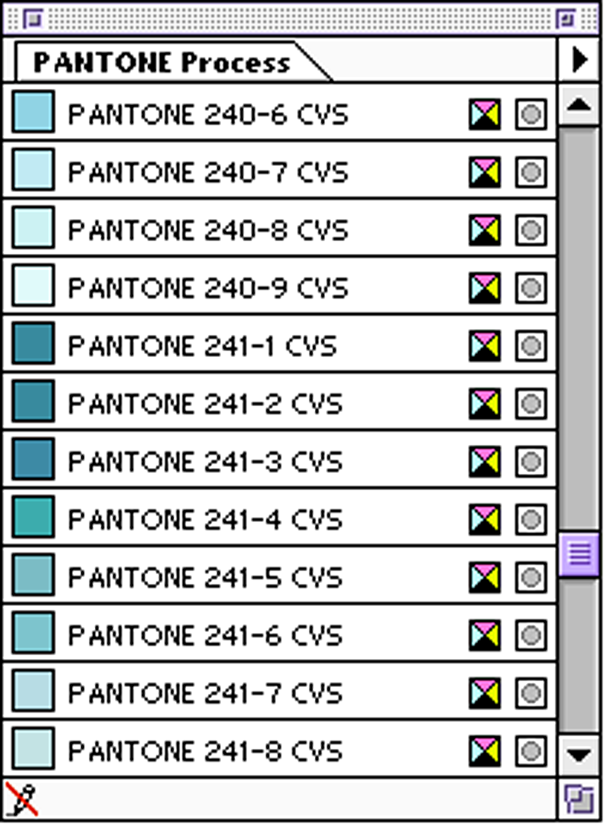
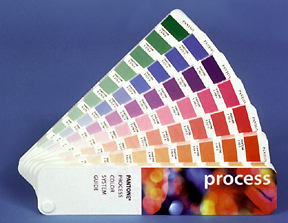
- Pros: Don’t need devices to show accurate color if you have accurate
swatches to go by…
- Cons: Doesn’t help judge relative color interactions on screen
- Great for graphic designs in which color palette is limited. Not useful
for specifying colors in photographic work.
|
|
28
|
- You email your parents a great digital picture of you winning an
Ultimate Frisbee tournament. They call you complaining that the image
looks washed out. Why might this be?
|
|
29
|
|
|
30
|
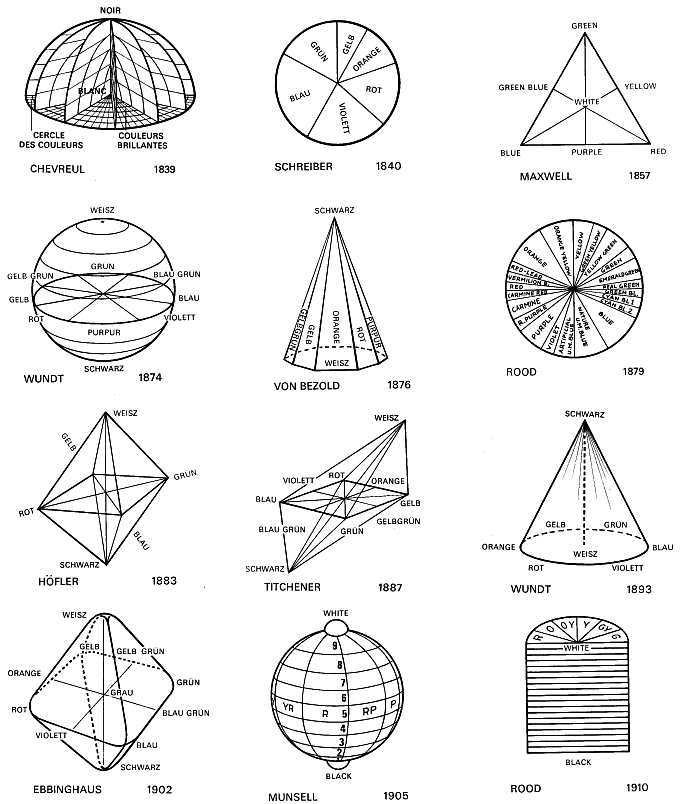
- A color space is a way of ordering colors in one, two, or three
dimensions to help the artist choose and work with color.
- From 600BC to 1600AD colors usually ordered by brightness.
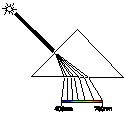
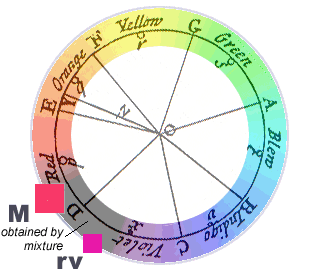
- Newton demonstrated familiar “rainbow” ordering of white light through a
prism
- Newton also first to arrange colors in a circle
|
|
31
|
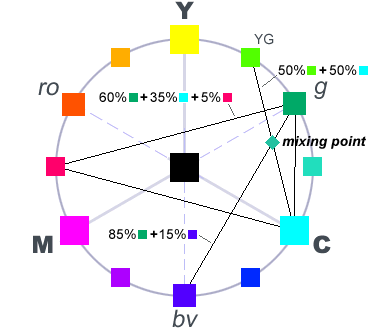
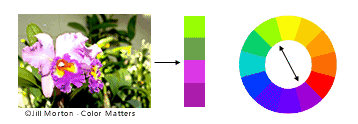
- Arrange color circle to put contrasting colors opposite one another
- Use interior of circle to show mixing results
|
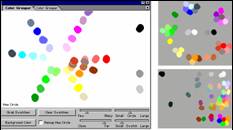
|
32
|
|
|
33
|
|
|
34
|
|
|
35
|
|
|
36
|
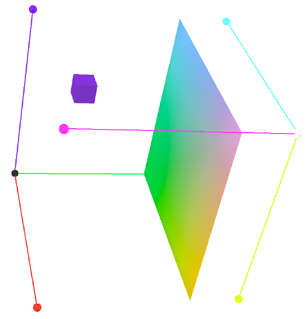
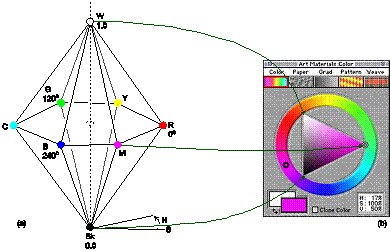
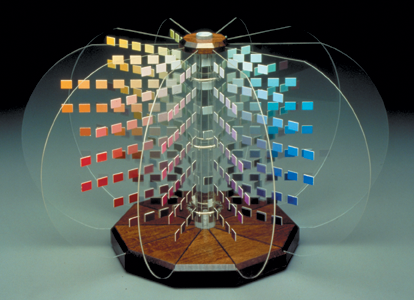
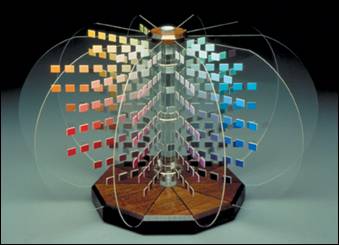
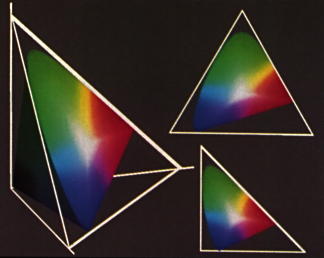
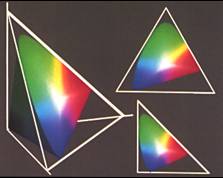
- A good color space is whatever geometrical arrangement helps you think
better about color.
- You can make your own!
|
|
37
|
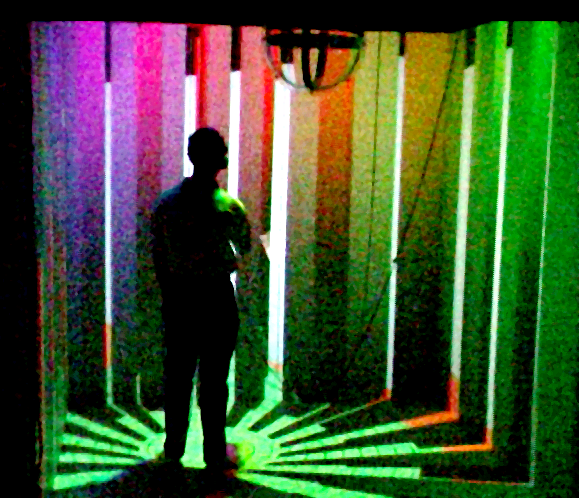
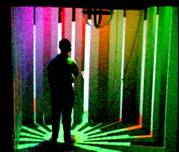
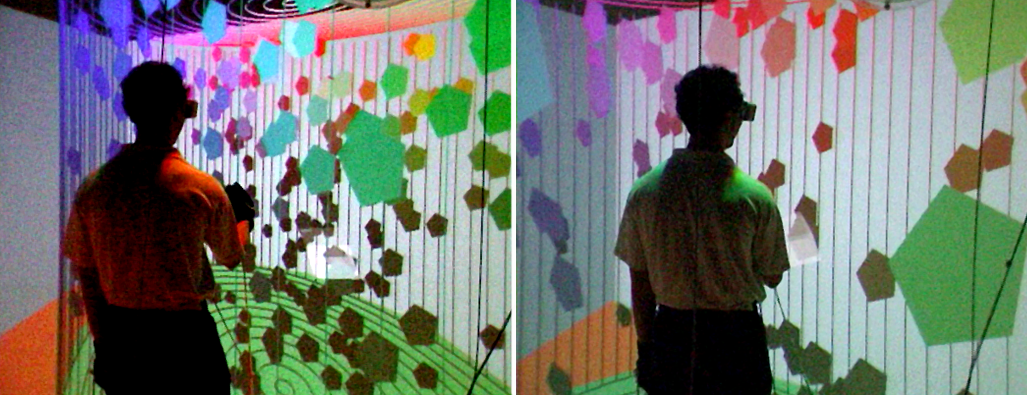
- “Walk-in” color spaces in Brown’s Cave immersive virtual reality
environment
|
|
38
|
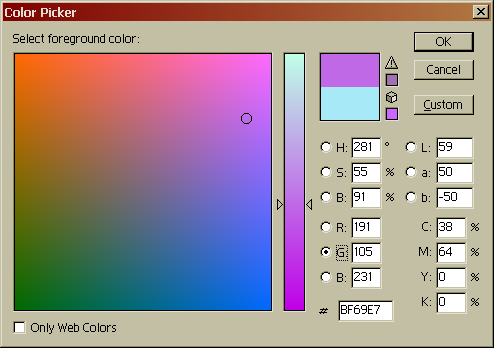
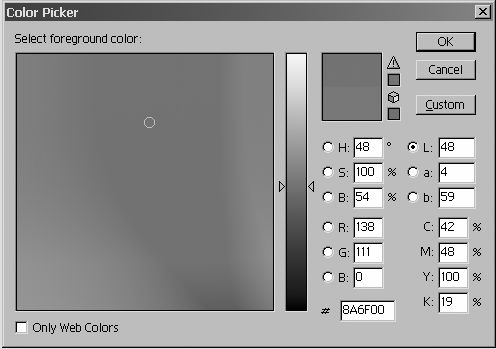
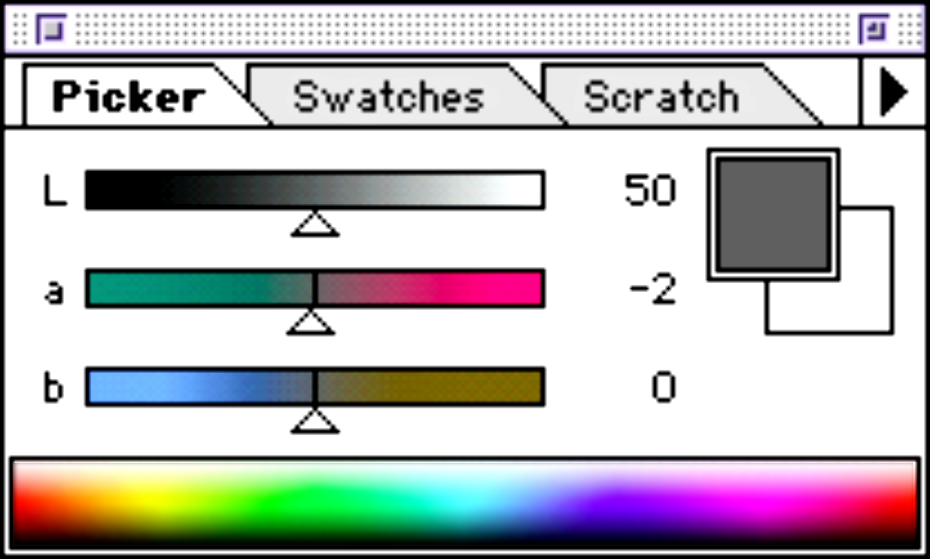
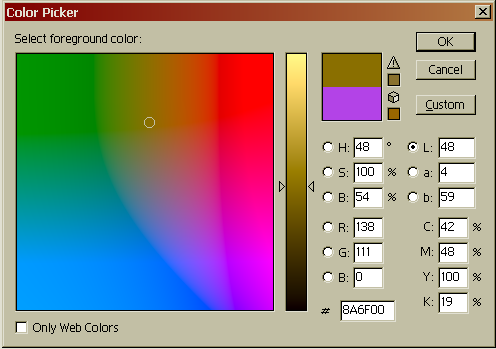
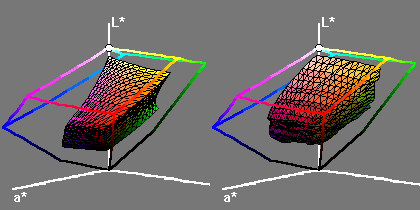
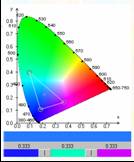
- CIELab is a perceptually based space (not represented geometrically in
Photoshop)
- L = Lightness
- a = red-green axis
- b = blue-yellow axis
|
|
39
|
- CIE = Commission Internationale de l’Eclairage (International Lighting
Committee).
- Need way to describe colors precisely for industry and science
- Want to describe all visible colors in terms of three variables (to get
3D coordinate space) vs.
infinite number of spectral wavelengths or special reference
swatches…
|
|
40
|
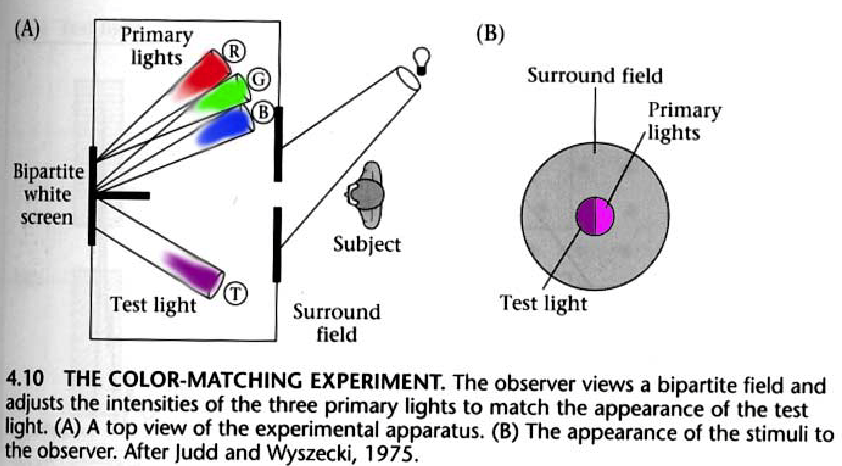
- Choose three well-defined light colors to be the three variables (an R,
G and B)
- People sit in a dark room matching colors
- Through some mathematical massage, can describe all visible colors in
terms of three parameters called X, Y, and Z related to (but not same
as—not even visible colors actually) the actual RGB used
|
|
41
|
- Now we have a way (specifying a color’s CIE X, Y, and Z values) to
precisely characterize any color using only three variables!
- Represents all visible wavelengths and their combinations
- Very convenient: Colorimeters, spectradiometers measure X, Y, Z values.
- Used in many areas of industry and academia—from paint to lighting to
physics and chemistry.
- International Telecommunication Union uses 1931 CIE color matching
functions in their recommendations for worldwide unified colorimetry
- International Telecommunication Union (1998) ITU-R BT.1361
WORLDWIDE UNIFIED COLORIMETRY AND RELATED
CHARACTERISTICS OF FUTURE TELEVISION AND
IMAGING SYSTEMS
- International Telecommunication Union (2000) ITU-R BT.709-4 PARAMETER VALUES FOR
THE HDTV STANDARDS FOR
PRODUCTION AND
INTERNATIONAL
PROGRAMME EXCHANGE
|
|
42
|
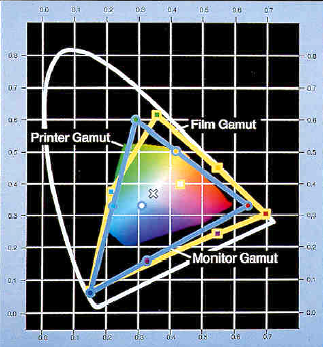
- CIE space contains all
other color spaces
|
|
43
|
- Your super-coder CS friend says she has invented a new and improved
color space that enables CRTs to show all visible colors. Explain why
you think she needs more sleep.
|
|
44
|
|
|
45
|
- Aesthetic uses:
- establish a tone or mood
- promote realism
- Highlight features, e.g.:
- Buttons: “exit,” “submit,” “buy…”
- Required fields
- Code numeric quantities
- temperature across the U.S.
- vegetation and mineral concentrations on Earth, moon, and planets
(LandSat, Mars missions)
- speed of fluids in computational fluid dynamics (streamlines)
|
|
46
|
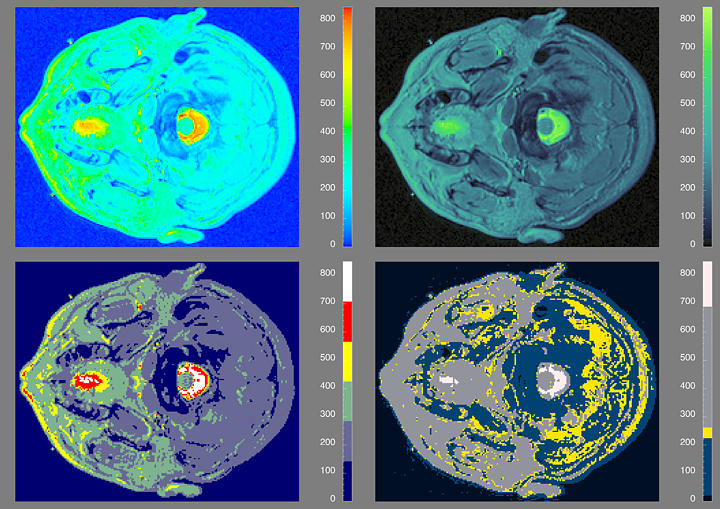
- Different color mappings
- reveal different amounts of useful information
- can be adapted to different tasks
|
|
47
|
|
|
48
|
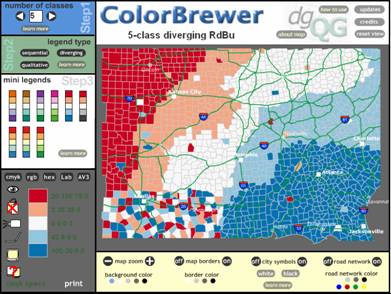
- Select a color palette according to some method, typically by choosing
some contrasting and/or some similar colors
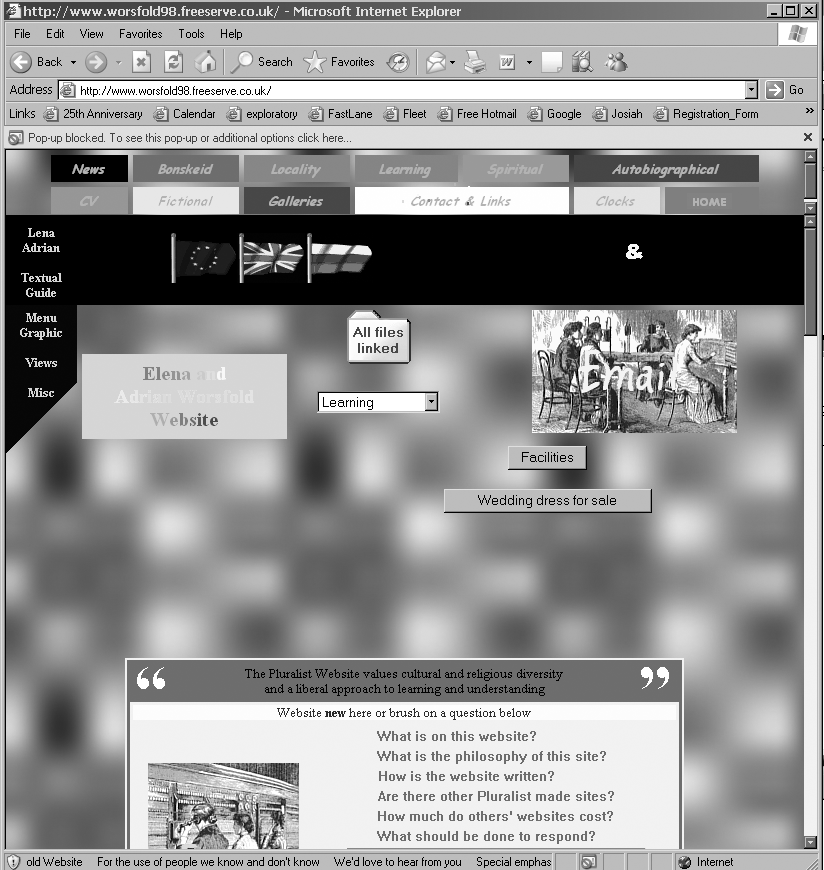
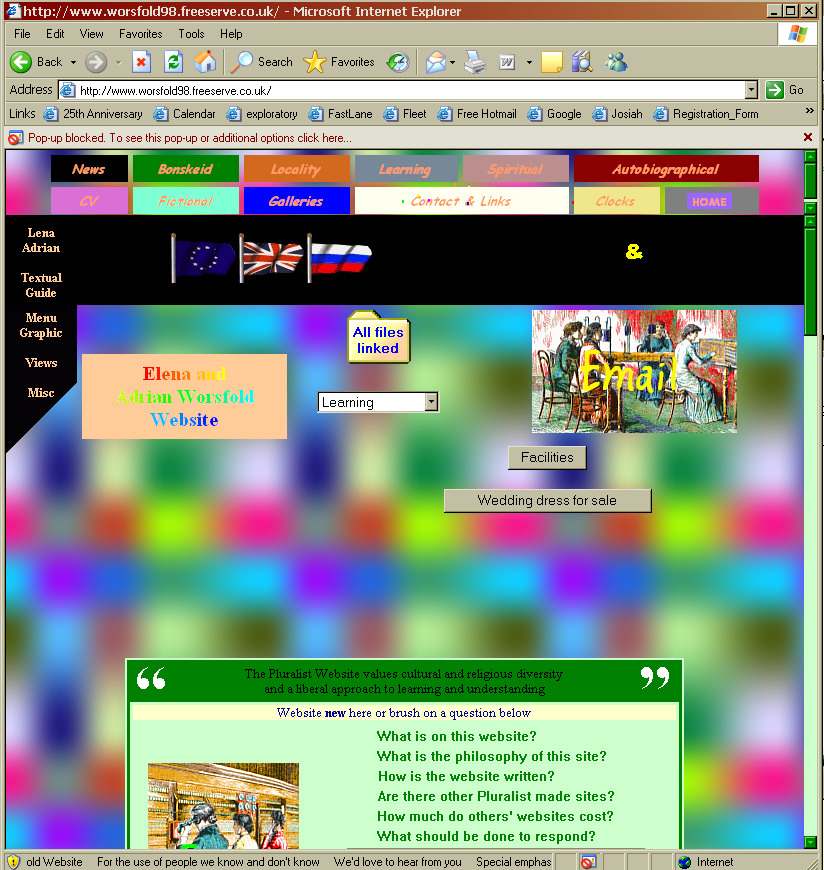
- Light-dark contrast more important than hue contrast
- Especially important for text. Text MUST have value contrast!
- Red-green differences not discerned by many people
- Hue differences lost in small areas
- When in doubt, avoid color (less is more)
- Group similar items by using similar colors or backgrounds
- Use brightness and saturation (sparingly) to draw attention
- Be aware of task or cultural contexts that influence interpretation of
color codings
|
|
49
|
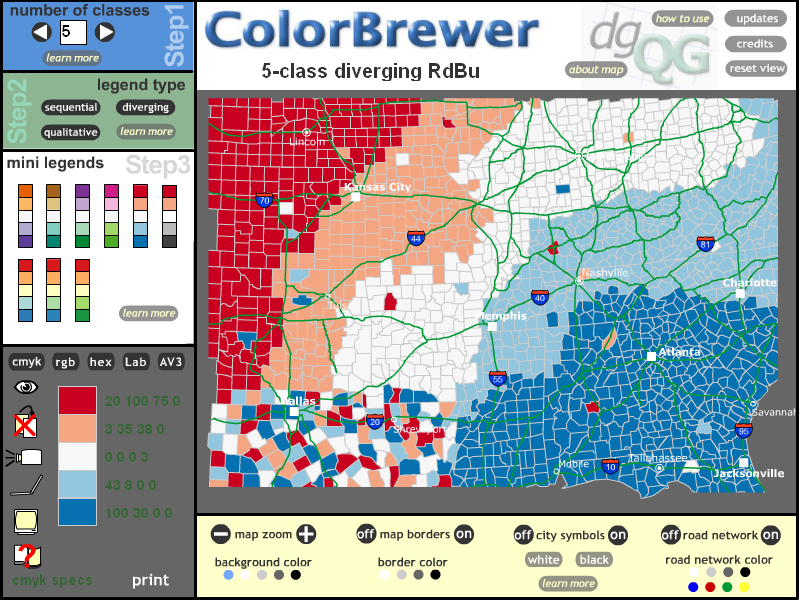
- Color Brewer (previous slides)
- IBM Open Visualization Data Explorer http://www.research.ibm.com/dx/
- Meier, Barbara, Spalter, Anne Morgan, and Karelitz, David, Interactive
Color Palette Tools, IEEE Computer Graphics and Applications, Volume 24,
No. 3, (2004).http://www.cs.brown.edu/~bjm/meier_ipt.pdf
|
|
50
|
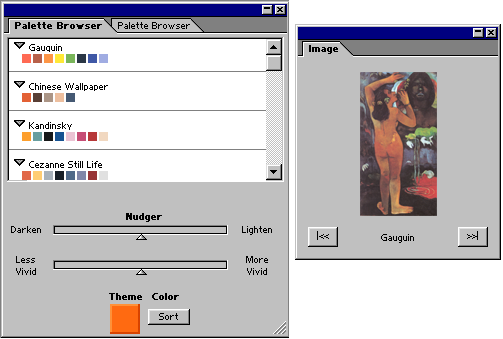
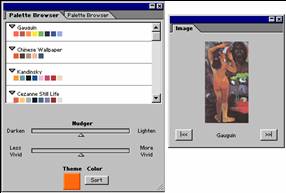
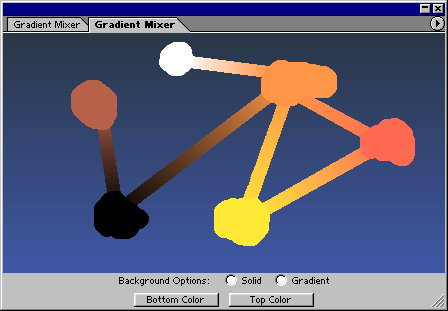
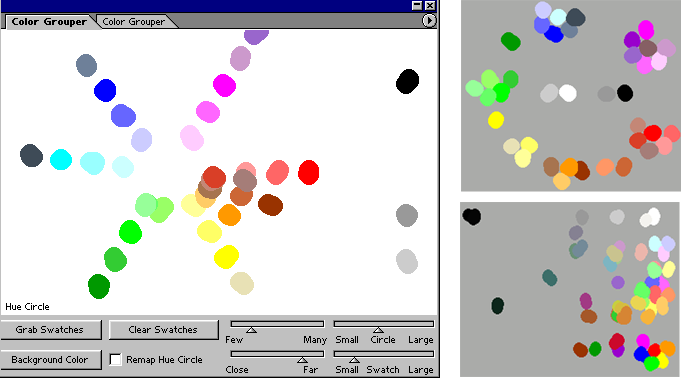
- More examples from Palette Tools paper
|
|
51
|
- You are making a Web page for your band, The Chromatones. Your drummer
uses dark red text on black because “it looks like blood, man.” Why is
this not a good design choice?
|
|
52
|
|
|
53
|
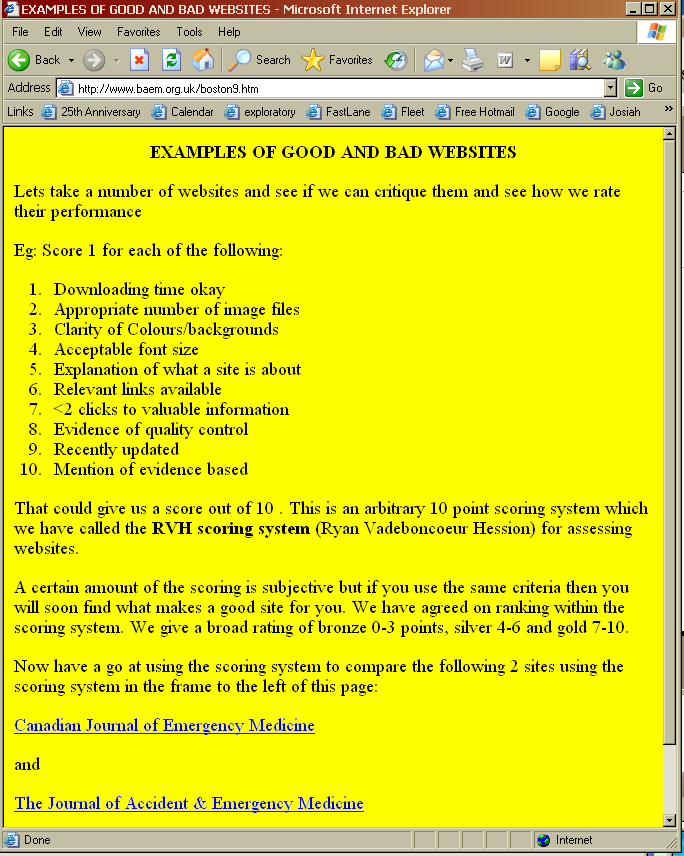
- http://www.baem.org.uk/boston9.htm
|
|
54
|
|
|
55
|
- http://www.dokimos.org/ajff
|
|
56
|
|
|
57
|
- Web Sites
- 3D Color Gamut Visualization Tools: http://www.color3d.com/
- Color Matters (a useful and entertaining resource): http://www.colormatters.com
- Color theory applets (Albers-like matching, color spaces, and more): http://www.cs.rit.edu/~ncs/color/
- Cynthia Brewer, homepage with links to papers and her ColorBrewer http://www.personal.psu.edu/faculty/c/a/cab38/
- Exploratories: http://www.cs.brown.edu/exploratories, navigate to color
theory section (color mixing, color perception)
- Handprint Water Color Site (contains a multi-disciplinary overview of
color): http://www.handprint.com/HP/WCL/wcolor.html
- Color Models, quite comprehensive http://www.colorsystem.com/
- Online book on color http://www.colorvoodoo.com/cvoodoo4.html
- Get your own color cube!!! http://www.colorcube.com/intro.htm
- Great PPT handout from lecture on color in Graphics course at UCSD http://www.maelabs.ucsd.edu/mae152/handouts/1
- Pat Hanrahan color lecture from Visualization course (Stanford) http://www.graphics.stanford.edu/courses/cs448b-04-winter/lectures/color/
- Maureen Stone’s SIGGRAPH course on Digital Color http://www.stonesc.com/signotes/index.htm
- Why Should Engineers and Scientists Be Worried About Color? Bernice E.
Rogowitz and Lloyd A. Treinish, IBM Thomas J. Watson Research Center,
Yorktown Heights, NY http://www.research.ibm.com/people/l/lloydt/color/color.HTM
- Very good list of links to many areas of color research and practice http://www.efg2.com/Lab/Library/Color/
- RIT color applets http://www.cs.rit.edu/~ncs/color/
- Books
- The Computer in the Visual Arts, Anne Morgan Spalter, Addison-Wesley,
1999.
- Electronic Color, Richard Norman, Van Nostrand Rheinhold, 1990.
- Computer Graphics, Principles and Practice, Foley, van Dam, Feiner, and
Hughes, Addison-Wesley, 2nd Ed, 1990.
- A Field Guide to Digital Color, Maureen Stone, A.K. Peters, 2003
|

 Notes
Notes