|
1
|
- What is Computer graphics?
- Raster Graphics (sample based)
- E.g., “paint” programs
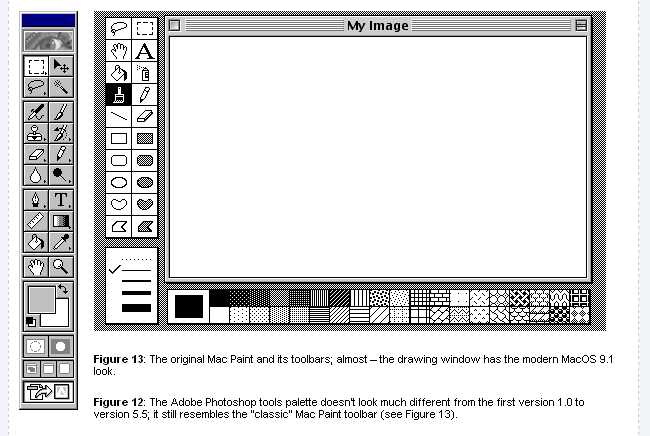
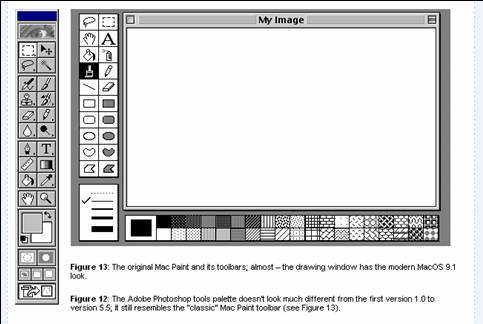
- Adobe Photoshop
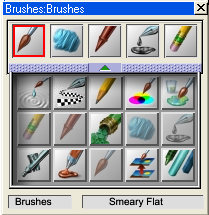
- Parts of Metacreations Painter
- Windows Paint
- Etc.
|
|
2
|
- Computer graphics is commonly understood to mean the creation, storage
and manipulation of models and images.
- Such models come from a diverse and expanding set of fields including
physical, mathematical, artistic, biological, and even conceptual
(abstract) structures.
|
|
3
|
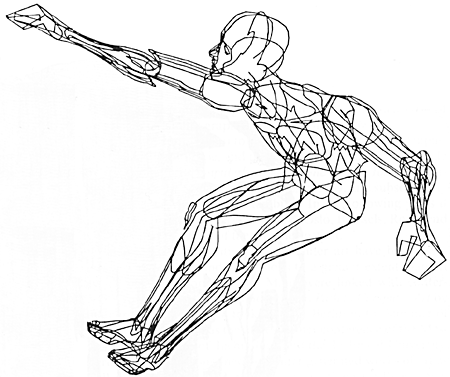
- The term “computer graphics” was coined in 1960 by William Fetter to
describe new design methods he was pursuing at Boeing.
- He created a series of widely reproduced images on a pen plotter
exploring cockpit design, using a 3D model of a human body.
|
|
4
|
- User controls contents, structure, and appearance of objects and their
displayed images via rapid visual feedback
- Basic components of an interactive graphics system
- input (e.g., mouse, tablet and stylus, force feedback device, scanner,
live video streams…)
- processing (and storage)
- display/output (e.g., screen, paper-based printer, video recorder,
non-linear editor…)
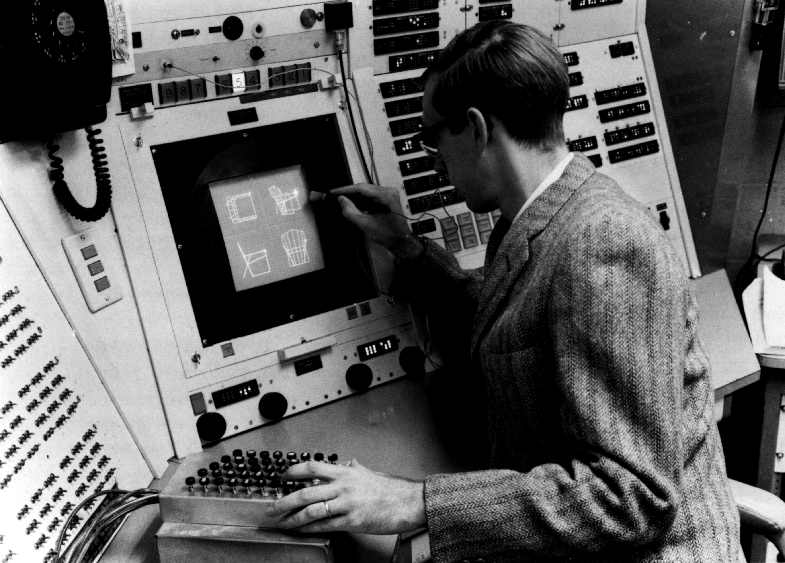
- First truly interactive graphics system, Sketchpad, pioneered at MIT by
Ivan Sutherland for his 1963 Ph.D. thesis
|
|
5
|
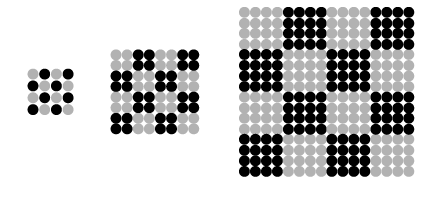
- Continuous
- Media such as traditional photography, painting
- Always another color between any two points of color
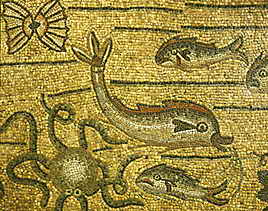
- Discrete
- Media such as needlepoint, mosaics
- Colors in an image easily separable into individual units
|
|
6
|
- If picture (or other data) is already in discrete, separable units, it’s
much easier to represent with numbers (i.e., digitize)
- E.g., text is easy to digitize
- Digital processes used in weaving, needlepoint, with colors and
locations indicated numerically
- Digital is not same as computer…
|
|
7
|
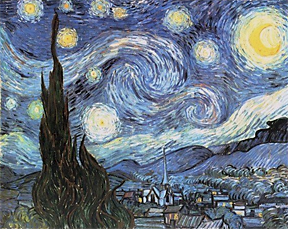
- Sample-based graphics: discrete elements (aka samples) are used to
describe visual information
- Pixels (picture elements) can be created by
- digitizing images (e.g., digital camera, scanner)
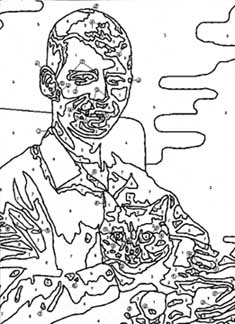
- Pixels can be created using a sample-based “painting” program
- Inputting pixel information by hand (e.g., w/numbers from a computed
data set)
- Aspects of the physical world can be sampled for visualization, e.g.,
temperature across the US
- Example programs: Adobe Photoshop™, GIMP™, Adobe AfterEffects™ (it came
out of CS123/CS224!)
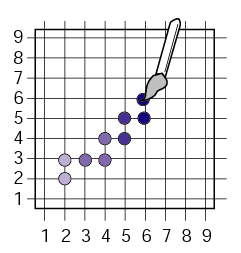
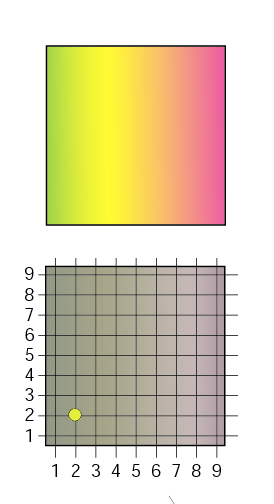
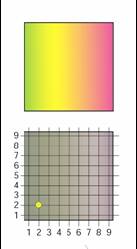
- In this coordinate space each pixel is represented by x- and
y-coordinates and a color
|
|
8
|
|
|
9
|
|
|
10
|
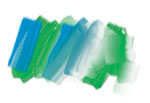
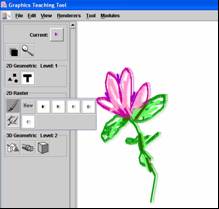
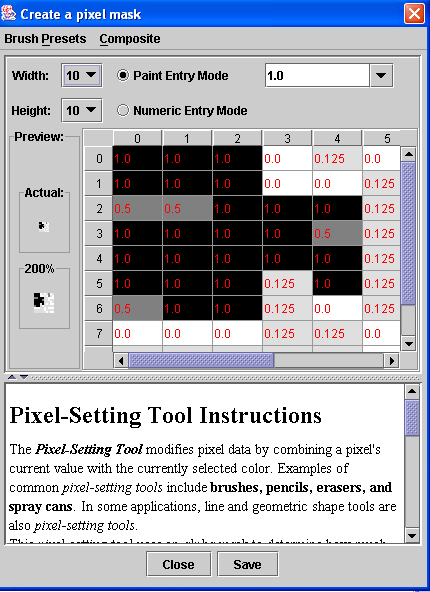
- DEMO: One tool = brush, spray can, eraser, natural media brushes, etc.
- In GTT, have to make your own personalized, distinctive “brushes”
- http://graphics.cs.brown.edu/research/gtt/
|
|
11
|
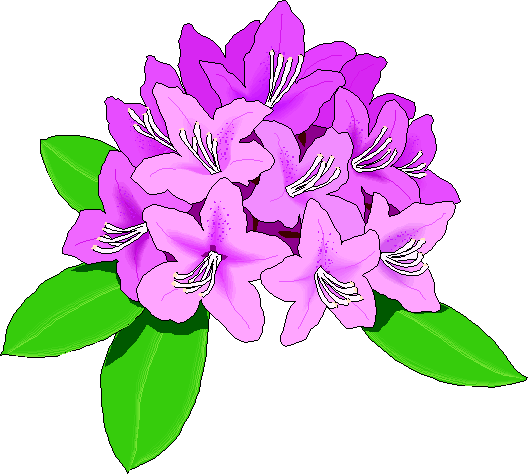
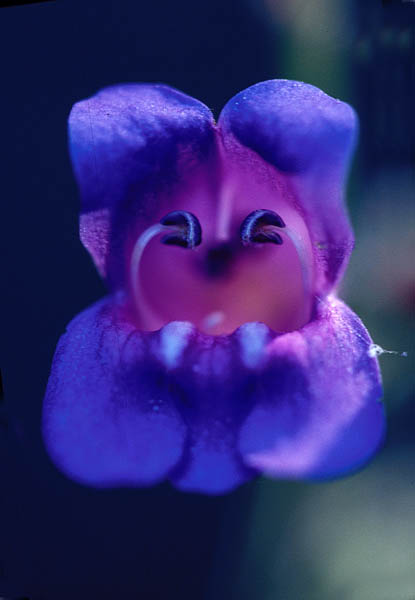
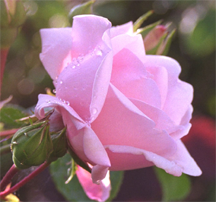
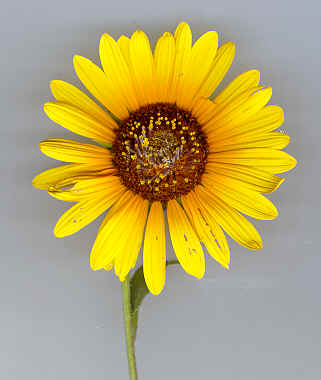
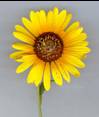
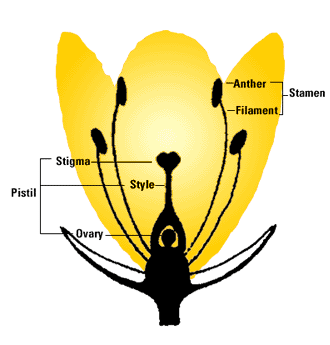
- Draw an imaginary flower
- Can be realistic (if you know something about a real flower)
- Can be fantastic
- But has to be recognizable as a flower
- Make at least 3 different brushes to use while drawing it
- Experiment with brush size, shape, alpha differences in different areas
of brush mask
- Save final drawing(s) and workspaces.
|
|
12
|
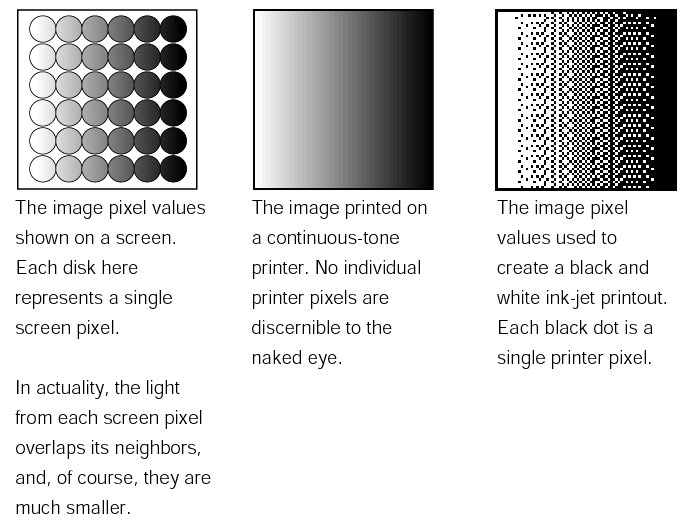
- When you reduce continuous information (done via sampling) to a finite
number of elements you LOSE DATA
- Fortunately, we deal well with lossy noise info (e.g., retinal readout
example)
- You can watch TV, which is often horrible… eye integrates
- We see what we think we should see… we minimize artifacts based
on sampling error
- Sampling applet http://www.cs.brown.edu/exploratories/freeSoftware/repository/edu/brown/cs/exploratories/applets/sampling/introduction_to_sampling_guide.html
- Number of samples you may need to take for various purposes a well
studied area. (We’ll be exploring this later)
|
|
13
|
- What I am about to say is so fundamental that I wish I could shout it
from the treetops and have people remember! A pixel is a point
sample—that is, the value of a continuous thing at a single point (with
zero dimensions). If only this were understood, we might be able to rid
the world forever of the misconception that a pixel is a little square.
Alvy Ray Smith [Smith 1975]
- More on this later when we discuss “zooming into” (i.e., scaling)
images
|
|
14
|
|
|
15
|
- Once an image is defined as a pixel-array, it can be manipulated
- Image editing changes made by user, such as cutting and pasting
sections, brush-type tools, and modifying selected areas.
- Image processing algorithmic operations that are performed on an image
(or pre-selected portion of an image) without user intervention. Includes blurring, sharpening,
edge-detection, color balancing, rotating, and warping. A pre-processing
step in computer vision.
|
|
16
|
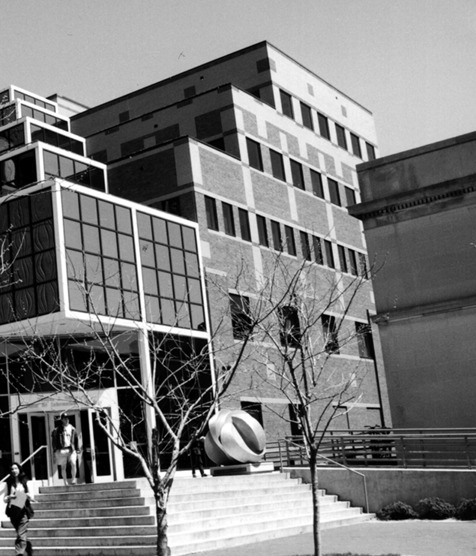
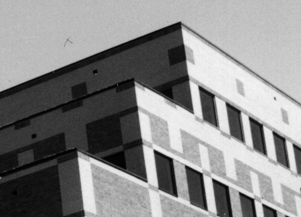
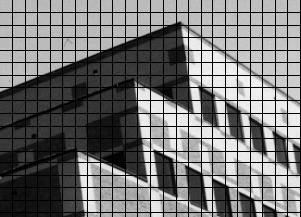
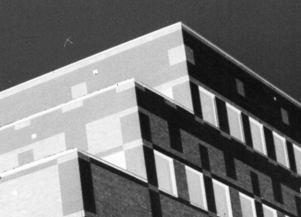
- Lets do some sampling of the CIT building
- A color value is measured at every grid point and used to color a
corresponding grid square
- Note: this poor sampling and image reconstruction method creates a
blocky image
|
|
17
|
- Once image is defined in terms of colors at (x, y) locations on grid,
can change image easily by altering numerical location or color values
- E.g., if we reverse our mapping above and make 10 = white and 0 = black,
the image would look like this:
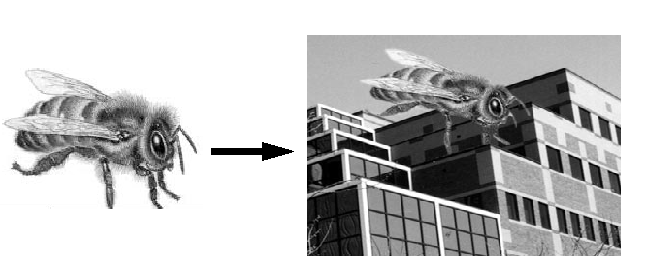
- Pixel information from one image can be copied and pasted into another,
replacing or combining with previously stored pixels
|
|
18
|
- WYSIAYG (What You See Is All You Get): There is no additional
information
- no depth (3D) information
- can’t examine scene from a different point of view
- at most can play with the individual pixels or groups of pixels to
change colors, enhance contrast, find edges, etc.
- But recently, strong interest in image-based rendering to fake 3D scenes
and arbitrary camera positions.
New images constructed by interpolation, composition, warping and
other operations.
|
|
19
|
- In artwork the processes and techniques of photography and painting are
merging in the art of digital imaging—new “thoughts” expressed
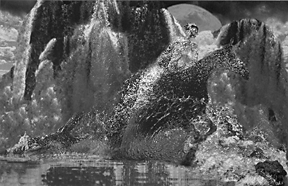
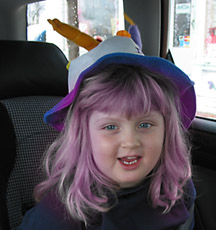
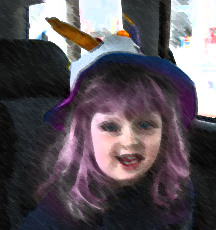
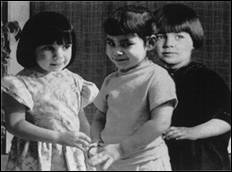
- Michele Turre: the artist, her daughter, and her mother, all at 3 years
of age
- Image processing in general includes image transformation, and is used
for feature detection, pattern recognition, and machine/computer vision,
and most recently, for image-based rendering
|
|
20
|
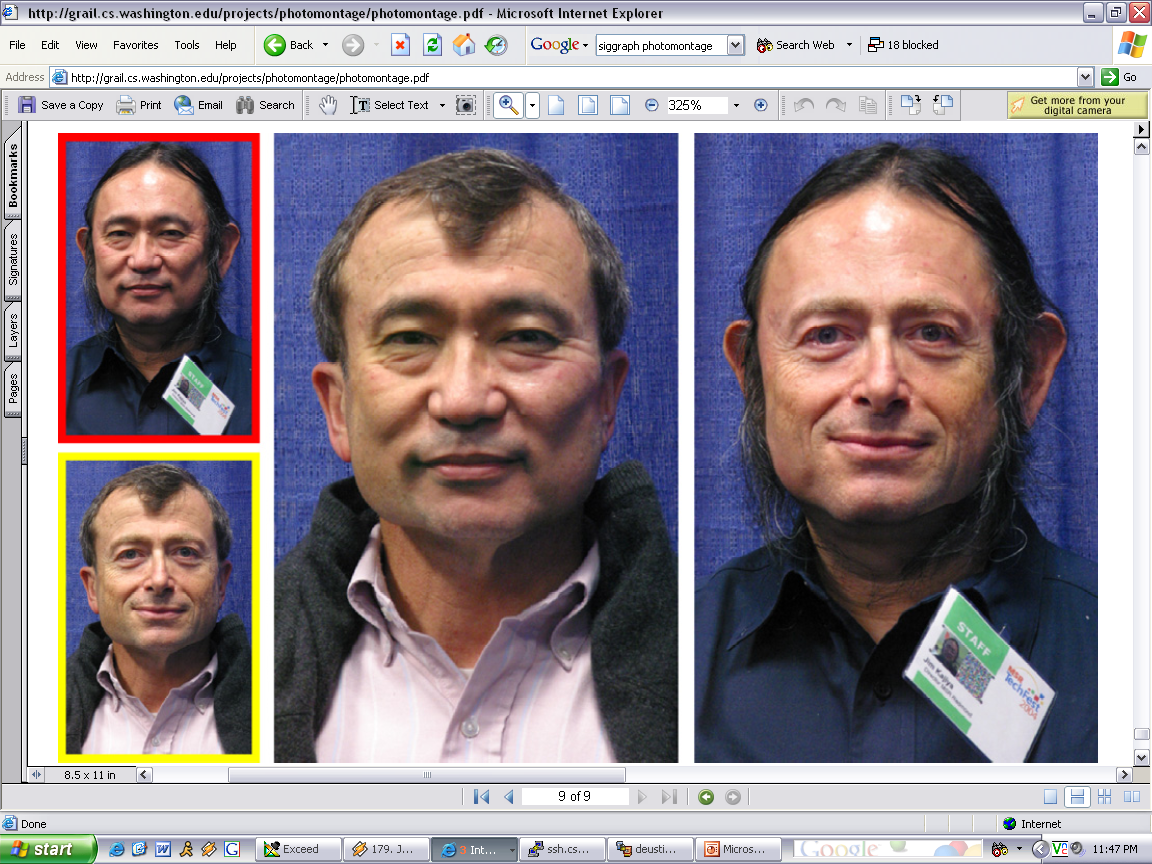
- People can now mutate into other people or objects through morphing, and
can carry on conversations in different times and places
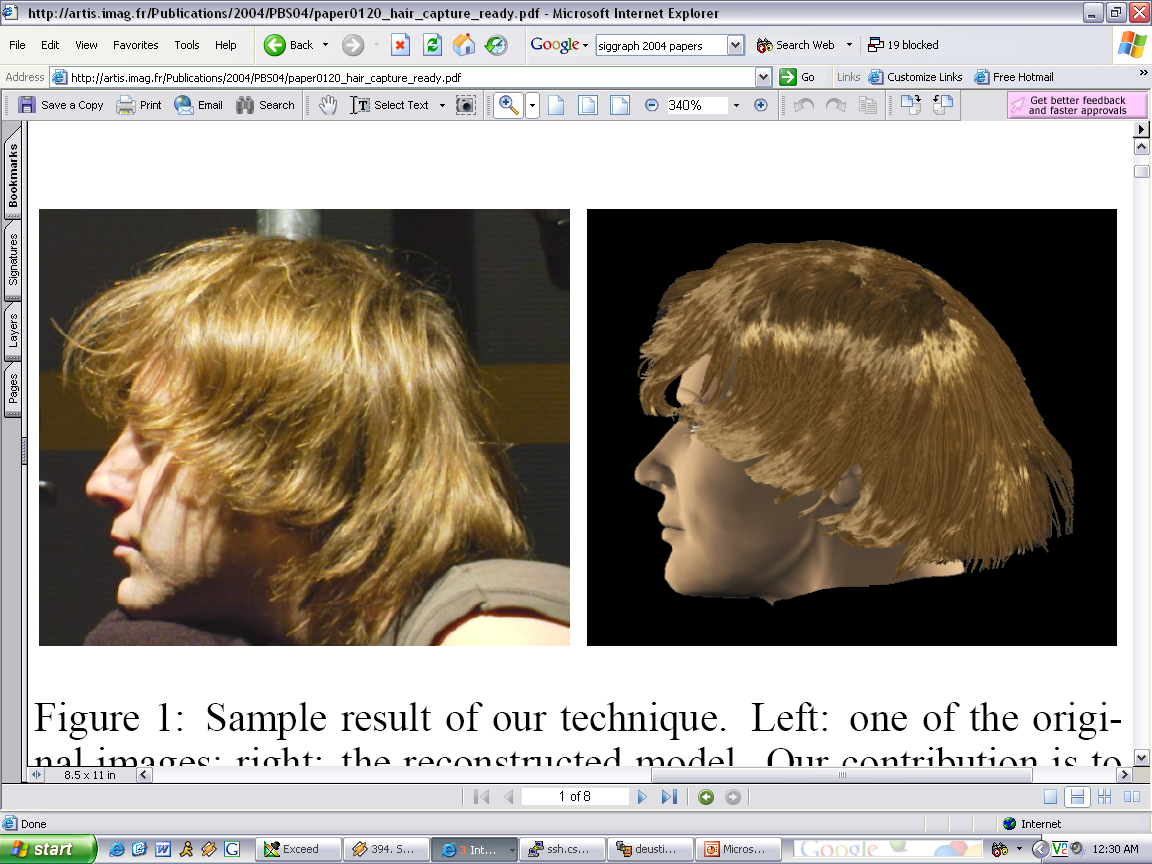
- Interactive Digital Photomontage, Siggraph 2004
- The belief in a very strong connection between photorealistic images,
still or moving, and reality is being severed
- no way to tell if news photos are “real” photographs
- photographic evidence no longer considered “proof” in a court of law
without clear provenance of the image
- future of the family photo album?
|
|
21
|
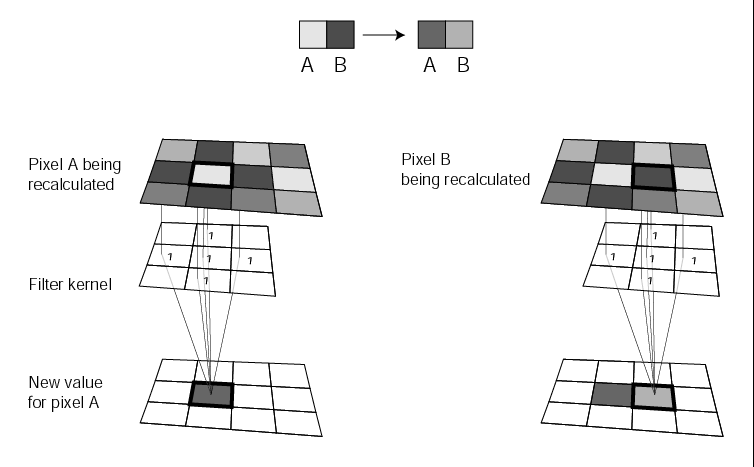
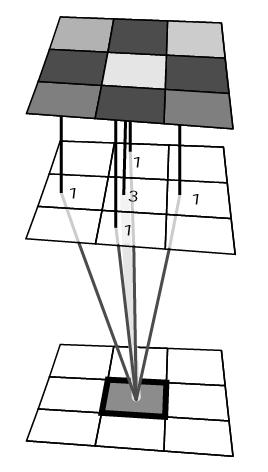
- A filter alters a pixel's value by taking not account not only its
original value, but that of its neighbors as well
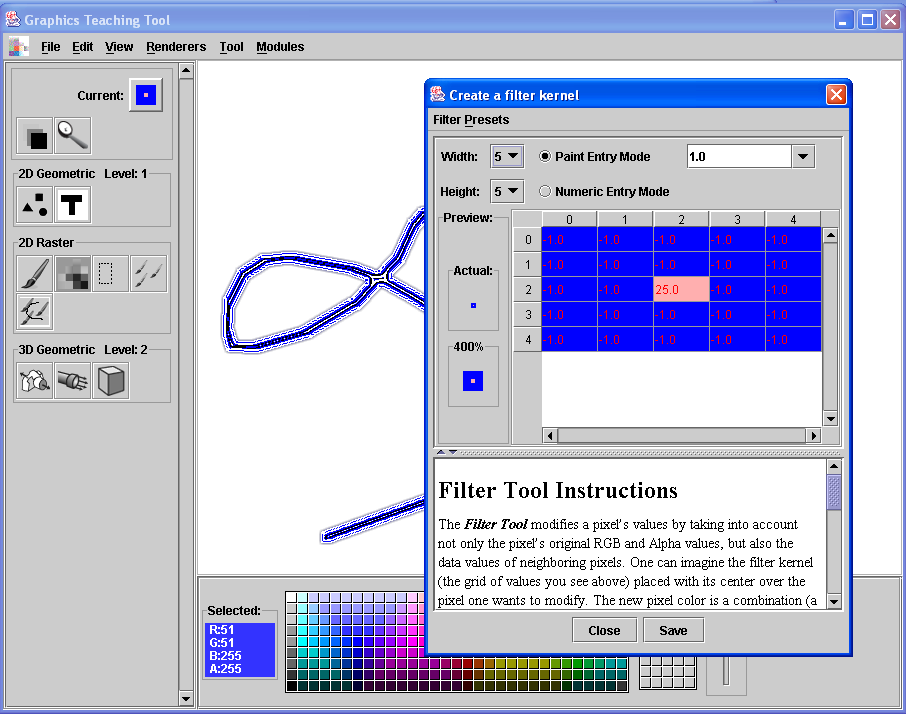
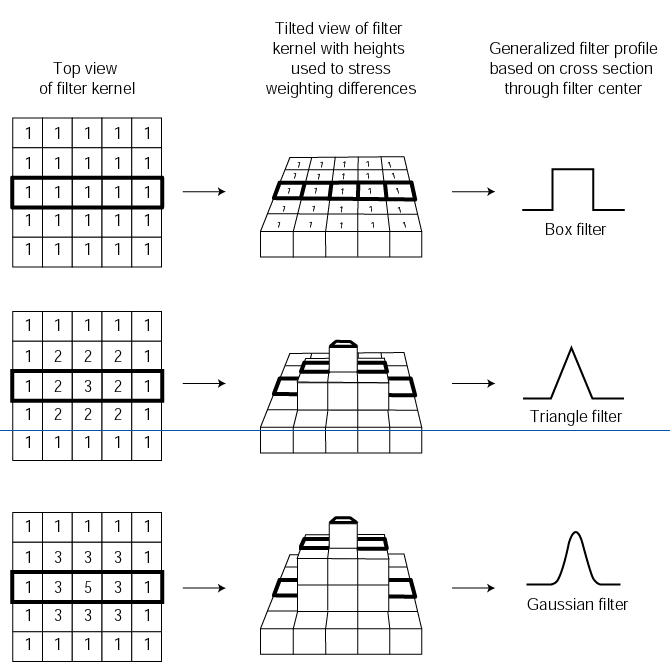
- Little grid-chart that shows influence of each pixel on final pixel
value is called filter kernel
|
|
22
|
|
|
23
|
|
|
24
|
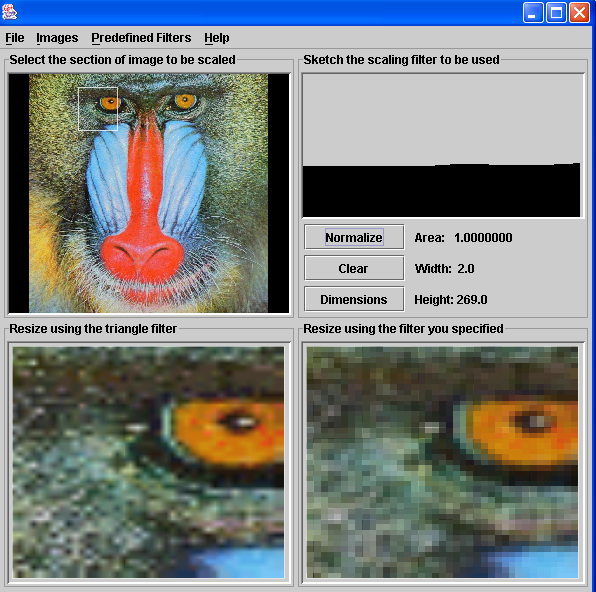
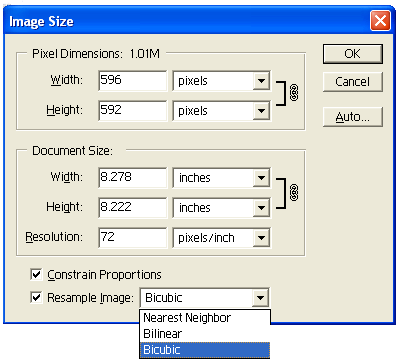
- Scaling sometimes called “re-sampling” because changes numbers of pixels
in image (either up or down)
- How to get new pixel values (or decide which to eliminate)?
- Filters again!
- In scaling up, filters used to calculate value of new pixels based on
original neighbors
|
|
25
|
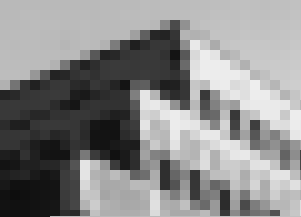
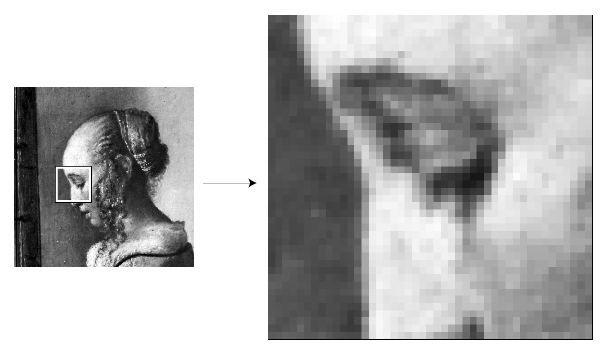
- Scaling with box filter, aka pixel replication
- This method used for “zooming”—is temporary scaling of an image
- Not a “close-up” of square pixels…
|
|
26
|
|

 Notes
Notes