Using Gridport
Gridport is a Flash program that requires Macromedia's Flash Player to run. Flash is installed into many web browsers and clicking the "Start Gridport!" link at the left is likely to work. Alternatively, installing the Flash Player on your computer will allow Gridport to be downloaded and run standalone. To do this, after installing the Flash Player, click one of the "Download Gridport" links to the left, and extract the downloaded file to get Flash gridport.swf file.
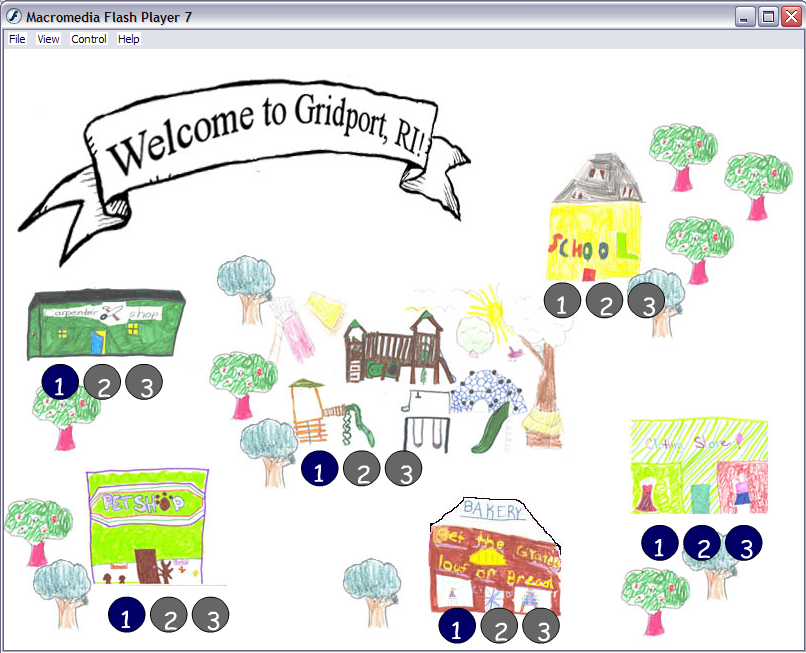
To get started, enter your name in the name field and click the map picture. Some text instructions are included there for adults to read and a "Skip" button for kids to use to get to the start quicker. The player can investigate 6 distinct areas depending on their interest. When they complete enough problems, they are rewarded with new tiles they can use in their arrays. For instance, after you complete enough problems at the carpentry shop, you are able to use not only screws, but wrenches, wood-panels, hammers, and other carpetry tools.
Each part of the world has three difficulty levels, which must be completed sequentially. However, if a child wants to keep doing easy problems on the "1" level, they are free to do so. We feel that since we are simply trying to mathmatical intuitions, the difficulty of the problem doesn't really matter. However, more ambitious children may be encouraged by the increasing difficulty levels.
The basic structure of the program is Gridport, a city in desparate need of someone who can multiply. From the baker to the carpenter, Gridport citizens find themselves facing word problems that require multiplication skills. The player has to help them solve their problems -- but they have a trusty grid at their side to help them. When children click on a square of the grid, a tile appears on that square. These tiles allow kids to make rectangular 'arrays' of blocks like those in early grade school multiplication lessons.
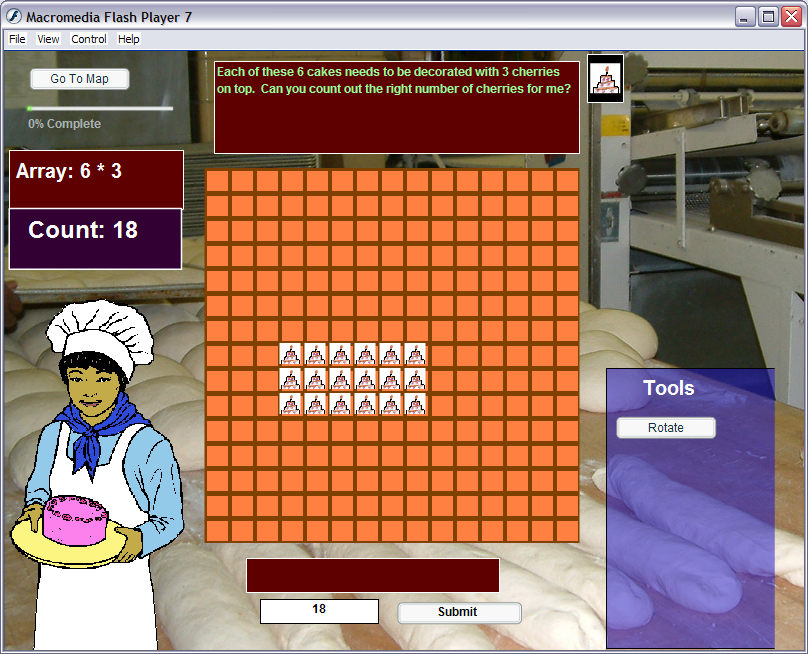
The program counts the number of blocks they have drawn, helping them to develop a sense of scale. Moreover, if they have drawn blocks in a rectangular pattern, the program identifies what multiplication problem their array represents
As users become more familiar with gridport, they can use additional functionality to expand their grid making capabilities.